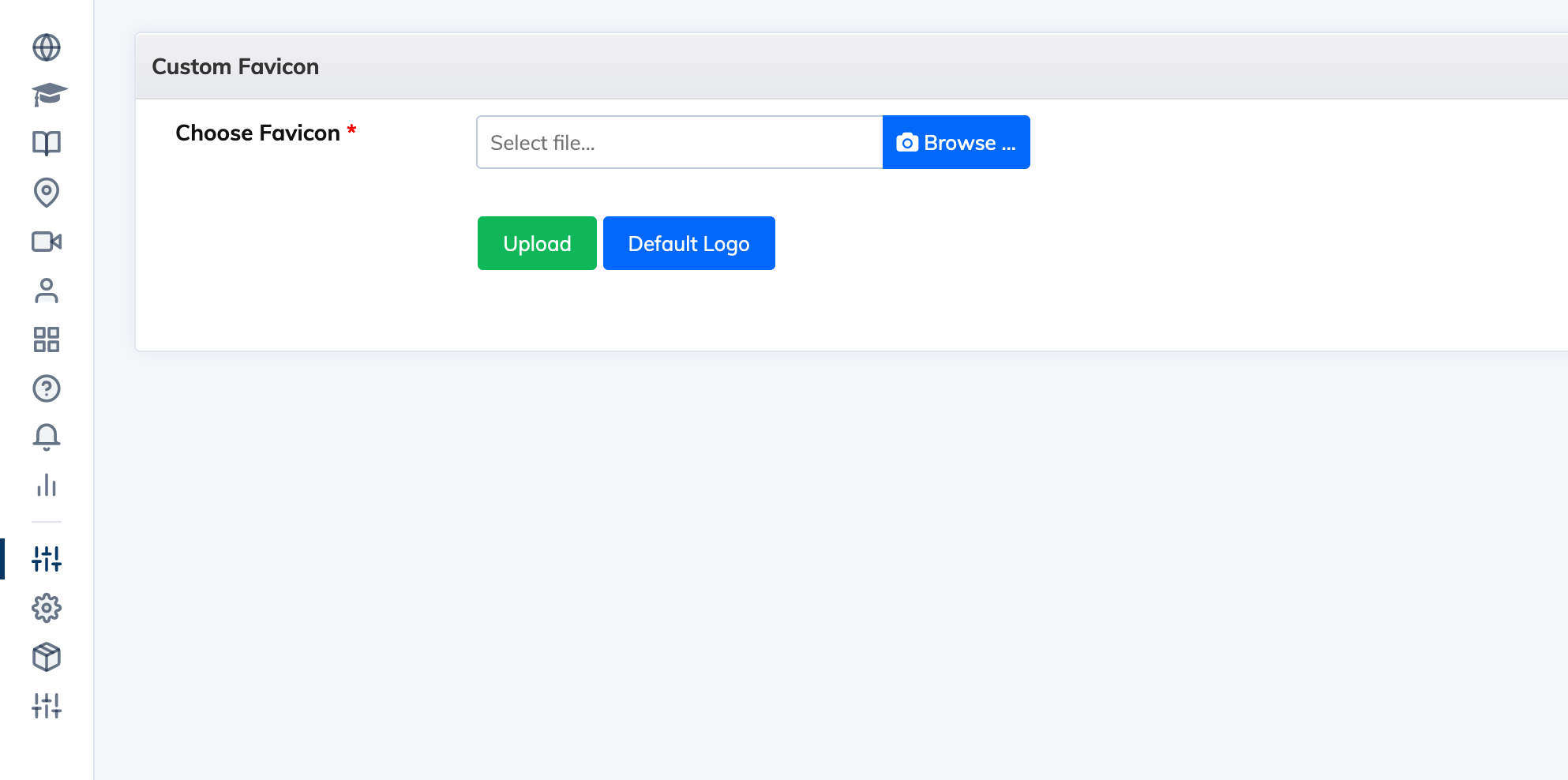
To Customize the favicon:
- Login as the Administrator and click on Customize in the navigation bar then click Favicon.
- Click Browse to select your favicon image. The image should in .ico format and it should be 16px in width and 16px in height.
- Select the image and click Upload.
- After uploading, if you do that see the new favicon immediately, you can press Shift key on your keyboard and click Refresh at the same time to force reload the page.