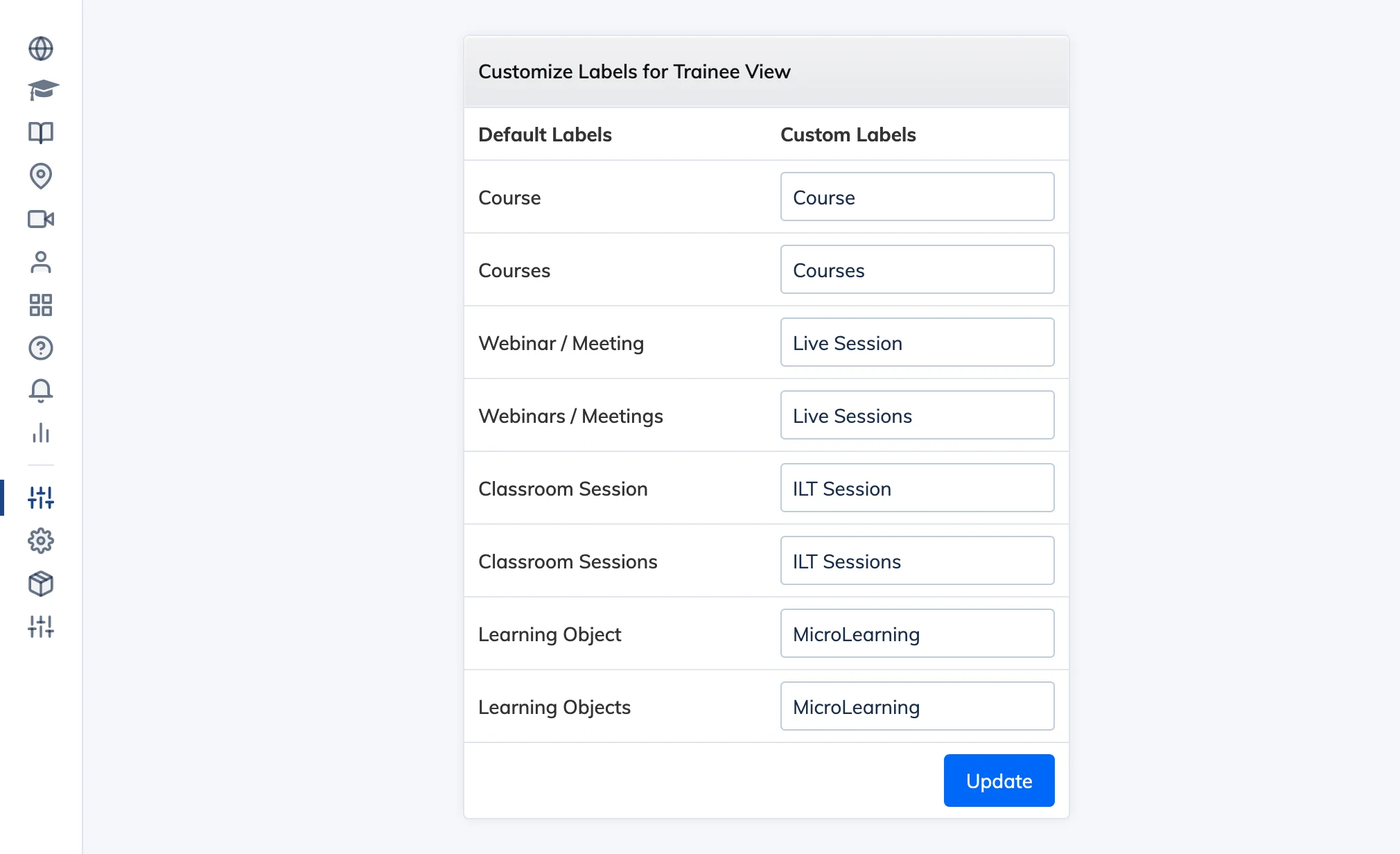
Labels lets you rename the default navigation menu items shown to learners – for example, changing “Courses” to “Training” or “Knowledge Base” to “Help Centre” to match your organisation’s terminology.
Steps
- Go to Customize → Labels.
- Enter new names for the menu items you want to rename.
- Click Update.