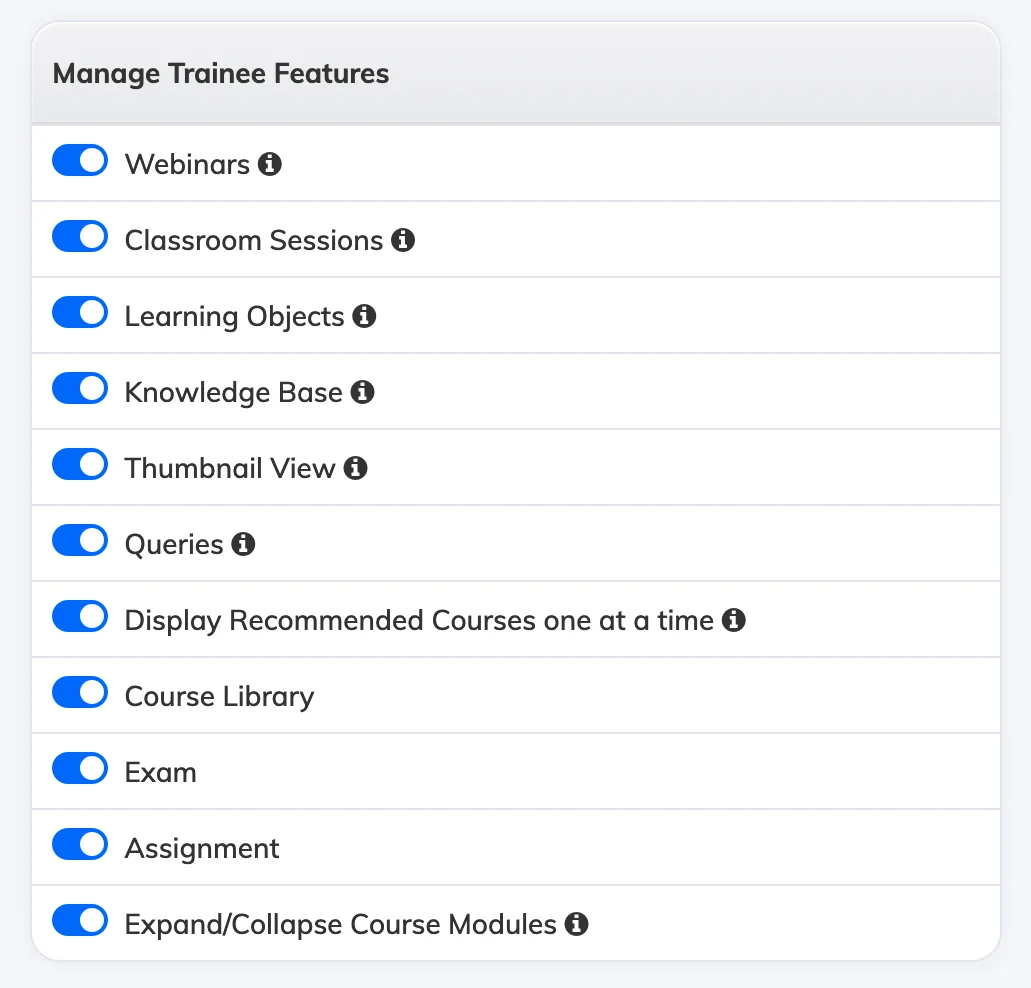
You can control which menu items appear in the Trainee navigation – on both the web portal and mobile app – from the Manage Features settings.
Steps
- Go to Settings → Manage Features.
- Under Manage Trainee Features, enable or disable the relevant menu options.
For a full description of each available option, see Customize Features.