
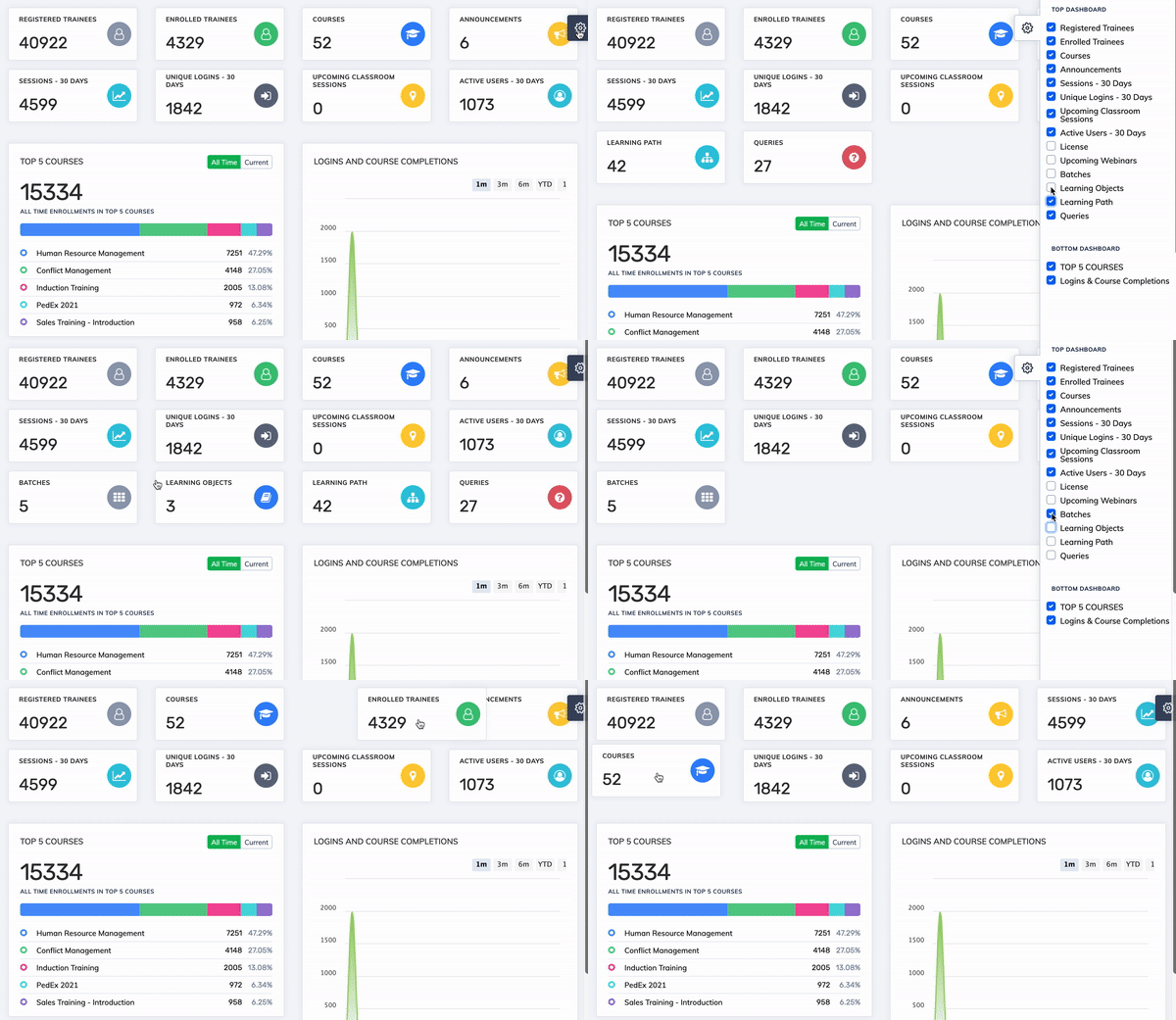
The Admin Dashboard is fully customisable – you can choose which metric cards to display and arrange them in any order to suit your workflow.
Show or Hide Dashboard Cards
- On the dashboard, click the Settings icon on the right-hand side.
- Select the cards you want to display and deselect the ones you want to hide.
Rearrange Cards
Drag and drop any card to reposition it. Changes are saved automatically.
Metric definitions:
Unique Logins – 30 Days – distinct logins per day over the last 30 days.
Active Users – 30 Days – distinct users who logged in at least once in the last 30 days.
Unique Logins – 30 Days – distinct logins per day over the last 30 days.
Active Users – 30 Days – distinct users who logged in at least once in the last 30 days.