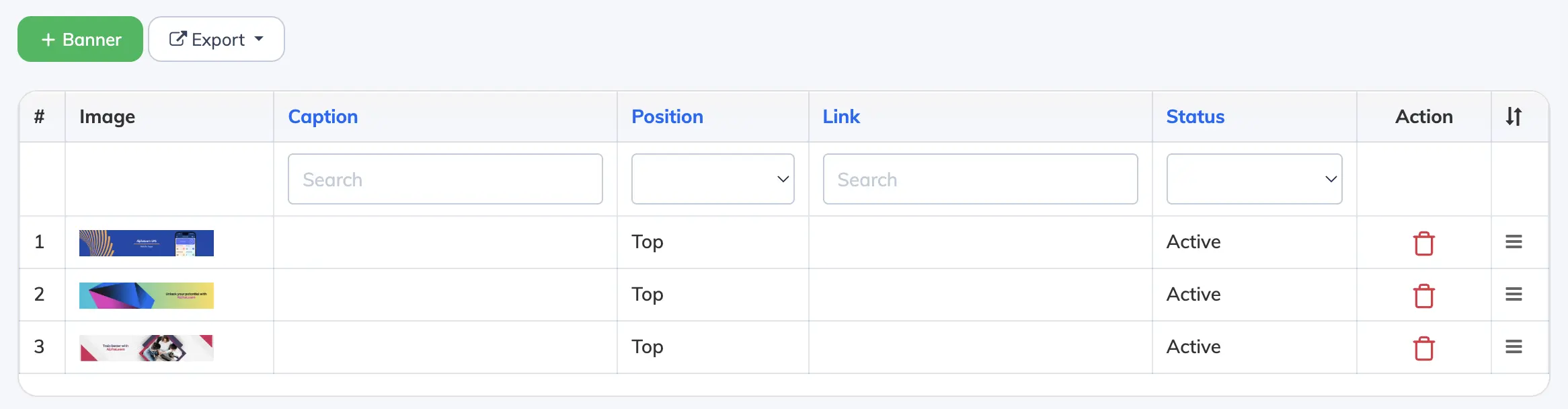
Banners can be added to the Admin, Manager, Trainer, and Learner dashboards – useful for announcements, promotions, or linking to important content.
Add a Banner
- Go to Customize → Banner.
- Click + Banner to create a new banner.
- Fill in the following details:
- Caption – Banner label or title.
- Banner Image – Upload a JPG, JPEG, PNG, or GIF file (max 2MB, recommended resolution 1280×250px).
- Position – Top or Bottom of the dashboard.
- Link – URL to redirect users when they click the banner.
- Show to Admin / Manager – Whether to display the banner on admin and manager dashboards.
- Display Permanently – Set to Yes to show indefinitely, or No to specify a display duration.
- Status – Active or Inactive.
- Click Submit.
Limits: A maximum of 5 banners can be active at a time. Recommended resolution is 1280×250px. Maximum file size is 2MB. Accepted formats: JPG, JPEG, PNG, GIF.