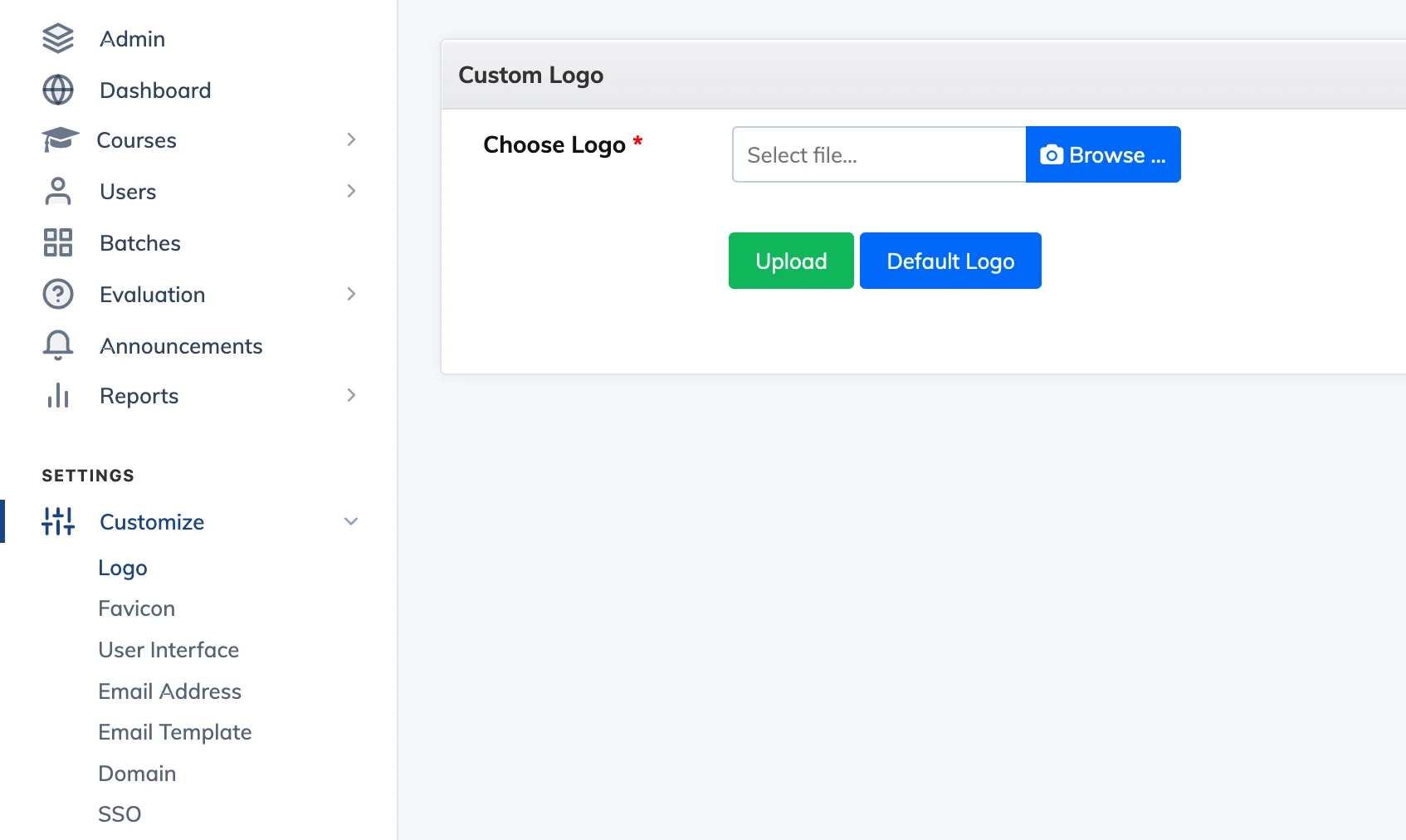
Replace the default AlphaLearn logo with your own brand logo across the LMS interface.
Steps
- Go to Customize → Logo.
- Click Browse, select your logo image, and click Upload.
Recommended: PNG format, 75×35px. A transparent background works best so the logo looks clean on both light and dark navigation bars.
Not seeing the new logo? Hold Shift and click Refresh in your browser to force a hard reload. To revert to the default AlphaLearn logo at any time, click Default Logo.