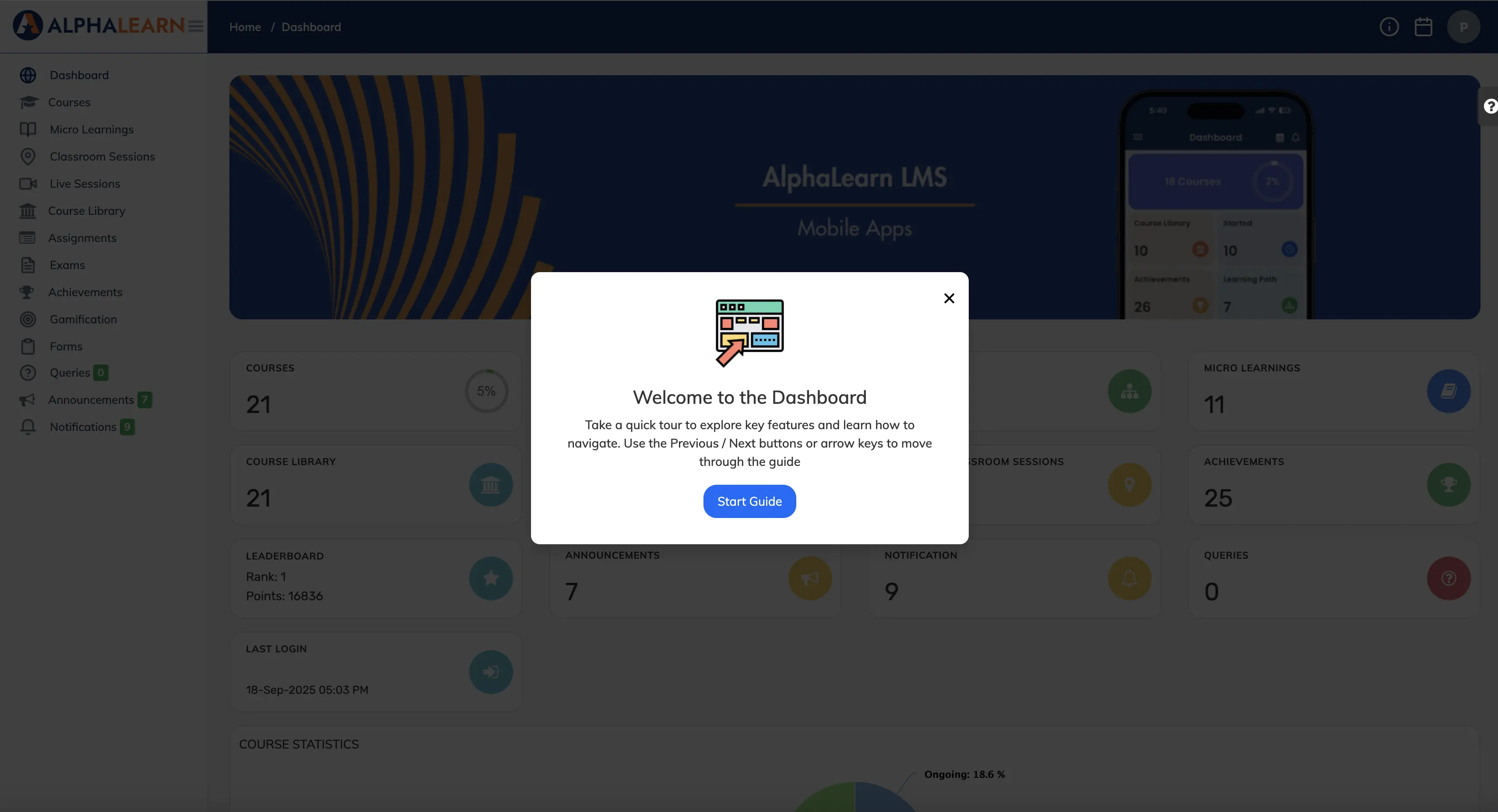
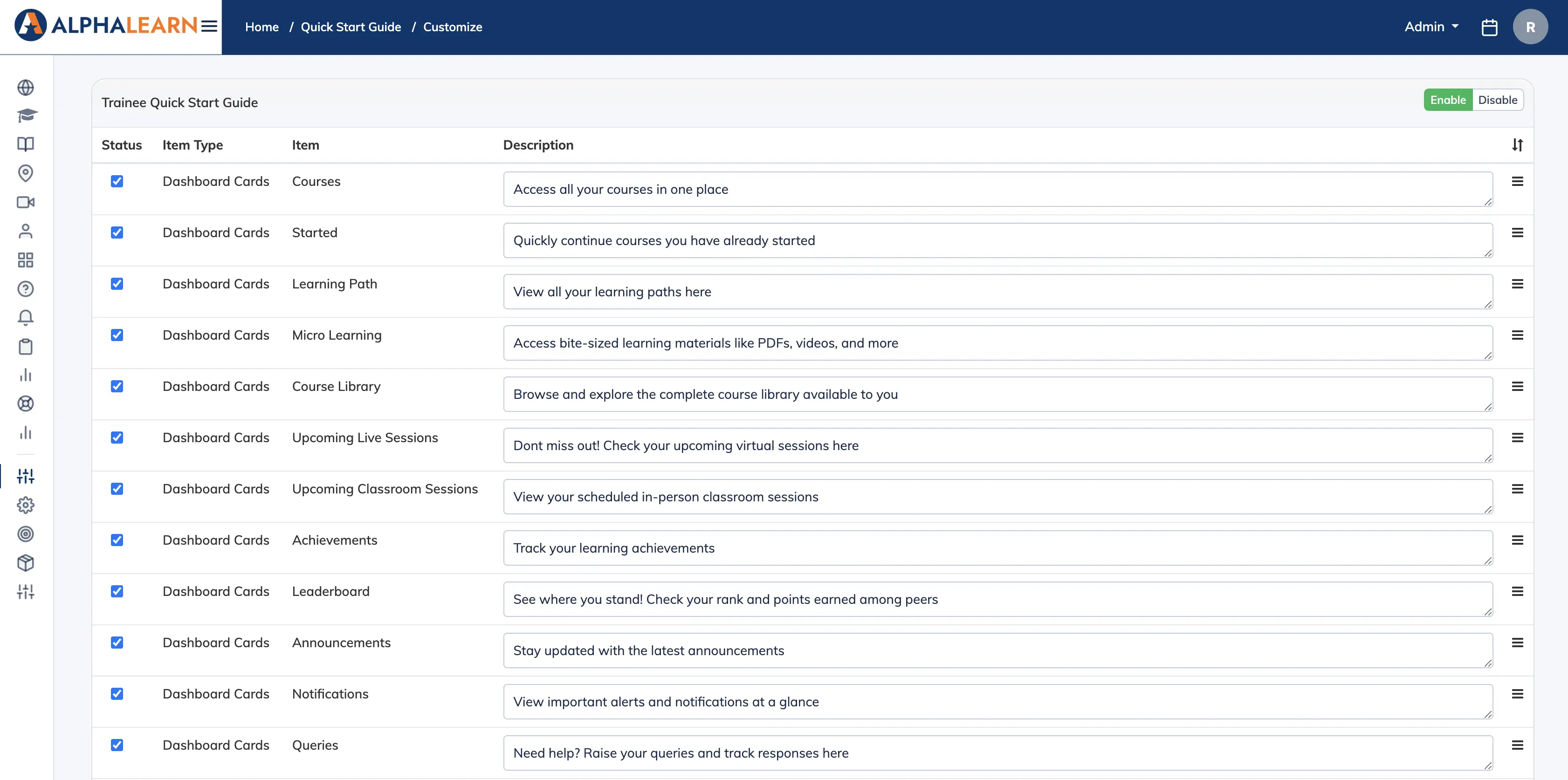
The Quick Start Guide gives learners an interactive walkthrough of their dashboard when they first log in, helping them discover key features quickly. You can customise the steps, reorder them, and write your own descriptions for each one.
Set Up the Quick Start Guide
- Go to Customize → Quick Start Guide.
- Enable or disable the Status of each step you want to include.
- Edit the Description for each step to explain its purpose in your own words.
- Drag and drop steps to reorder them by priority.
- Click Save.
- Click Enable at the top of the page to activate the guide for learners.
Preview: Switch your role from Admin to Trainee on the dashboard to see the Quick Start Guide exactly as learners will experience it.