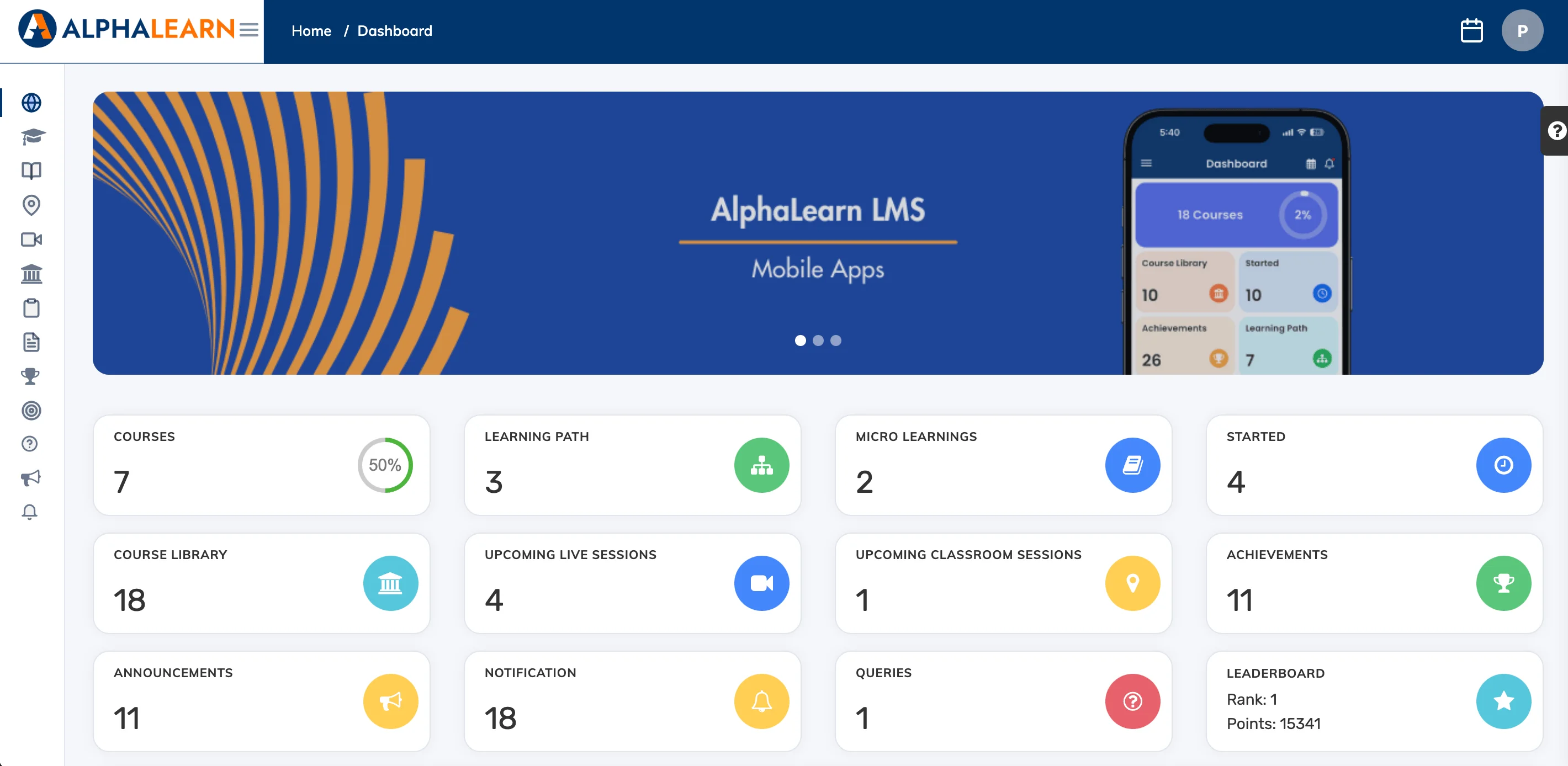
The Trainee Dashboard is fully customisable – as an admin you can choose which cards learners see and set the default layout, applied across both the web and mobile app.
Show or Hide Dashboard Cards
- Switch your role from Admin to Trainee using the dropdown in the top right corner.
- On the dashboard, click the Settings icon on the right-hand side.
- Select the cards you want to display and deselect the ones you want to hide.
Rearrange Cards
Drag and drop any card to reposition it. Changes are saved automatically and apply to all learners.