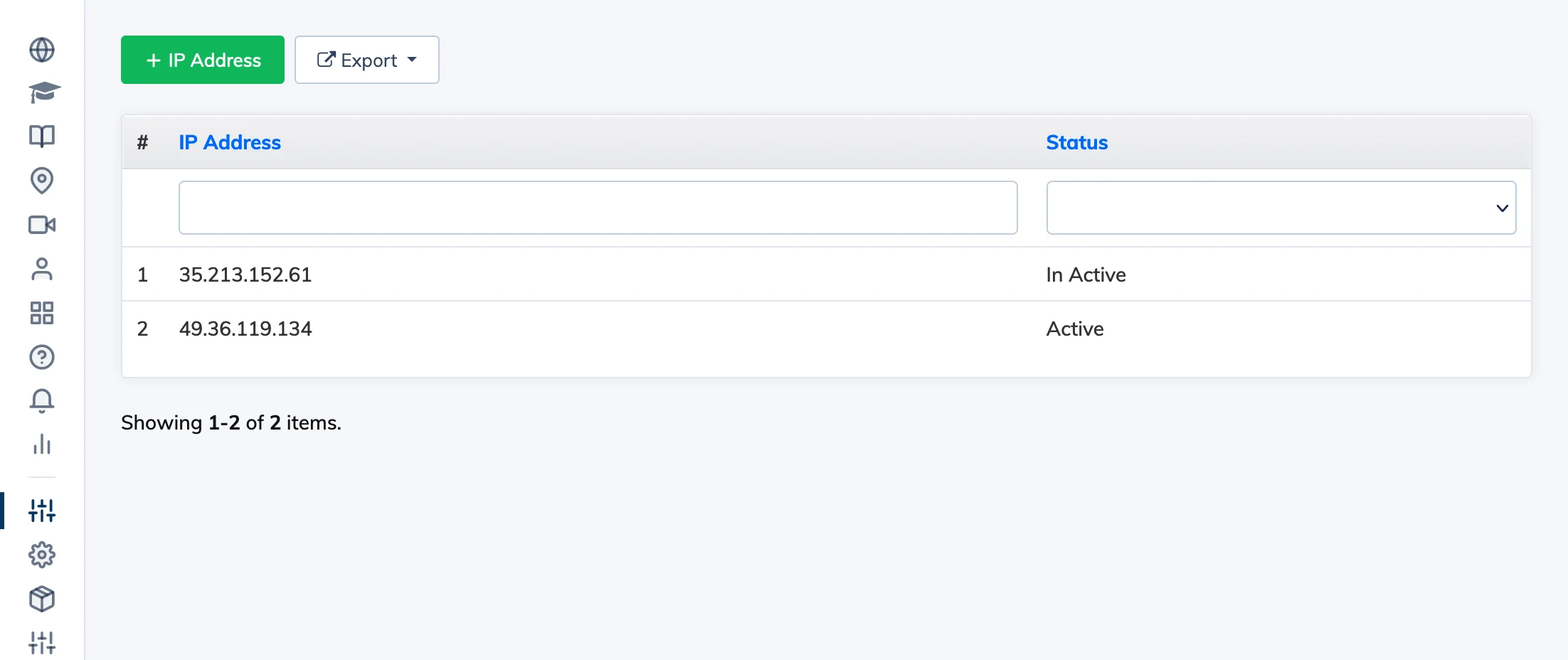
IP Whitelisting restricts LMS access to a specific list of approved IP addresses. Once enabled, users attempting to log in from any other IP address will be blocked.
Important: Before enabling IP Whitelisting, ensure your own IP address is on the list – otherwise you will lock yourself out of the LMS.
Steps
- Go to Customize → IP Whitelist.
- Click + IP Whitelist and enter the IP addresses you want to allow.
- Click Submit to save.