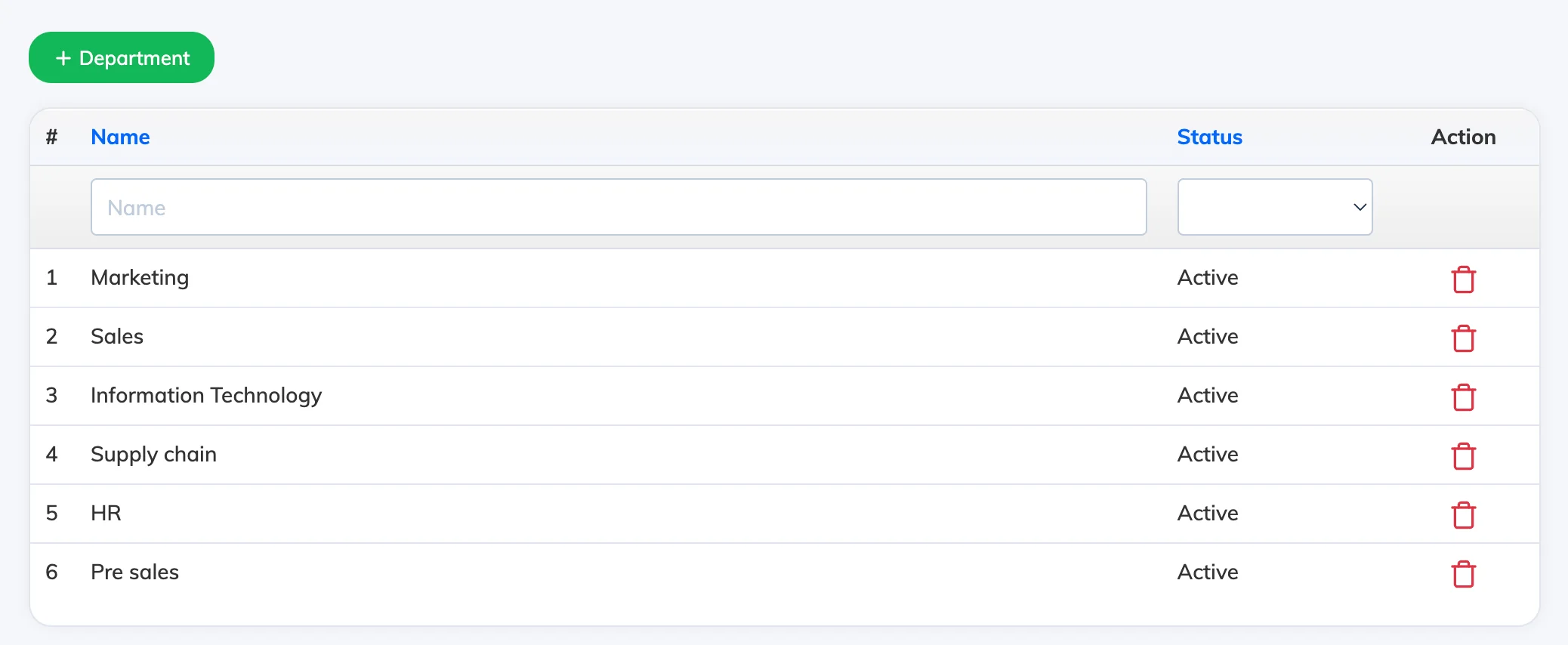
Designations, Departments, and Zones are user attributes that help you organise and filter learners in your LMS. Once created, they can be assigned to users during onboarding or via bulk import.
Steps
- Go to Settings → Designation, Department, or Zone as required.
- Click Create New, enter a name, and click Create.
Repeat for each attribute type you need to set up.