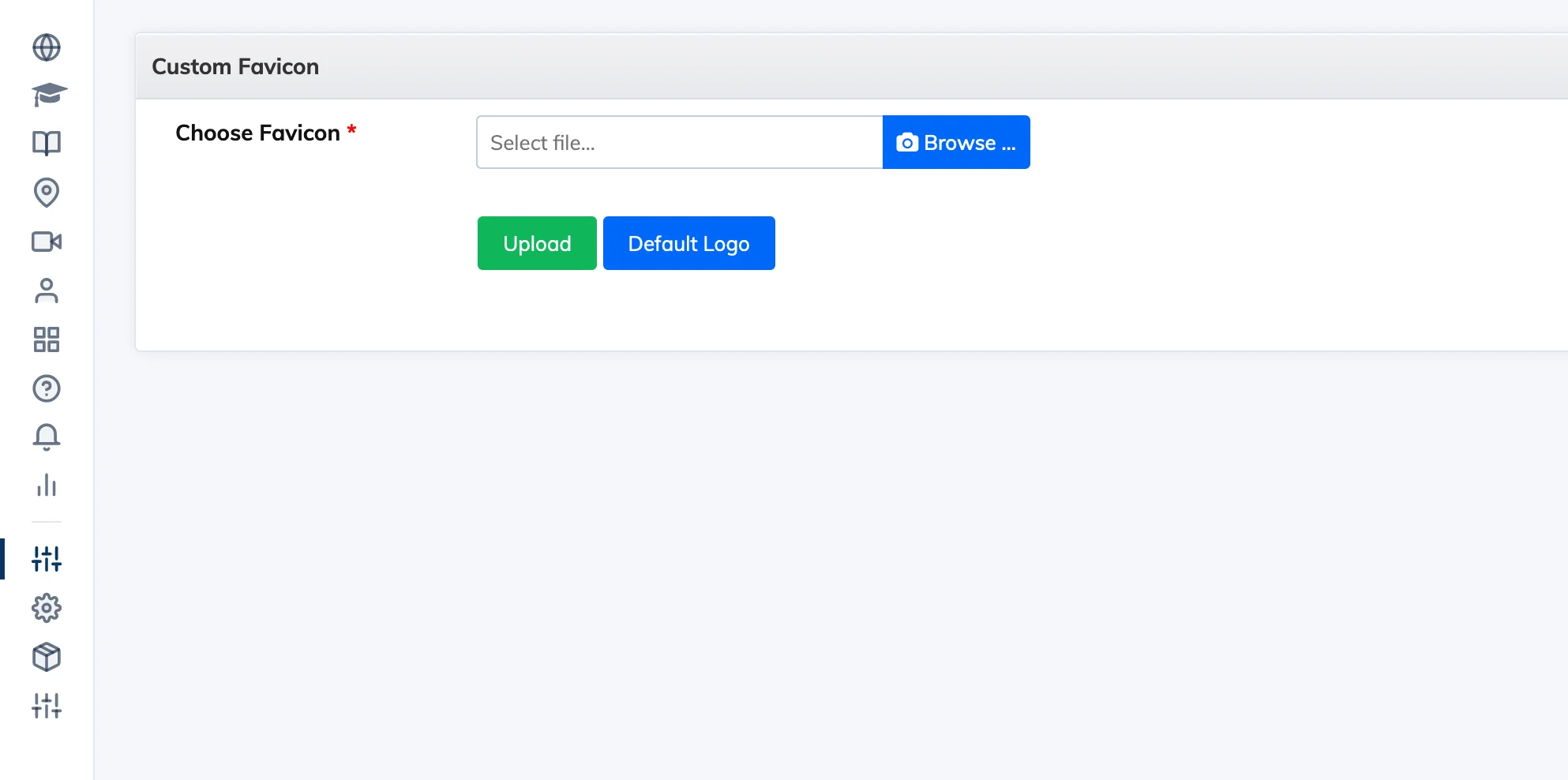
The favicon is the small icon that appears in the browser tab when learners access your LMS. You can replace the default AlphaLearn favicon with your own brand icon.
Steps
- Go to Customize → Favicon.
- Click Browse and select your favicon file. It must be in .ico format and 16×16px.
- Click Upload.
Not seeing the new favicon? Hold Shift and click Refresh in your browser to force a hard reload and clear the cached favicon.