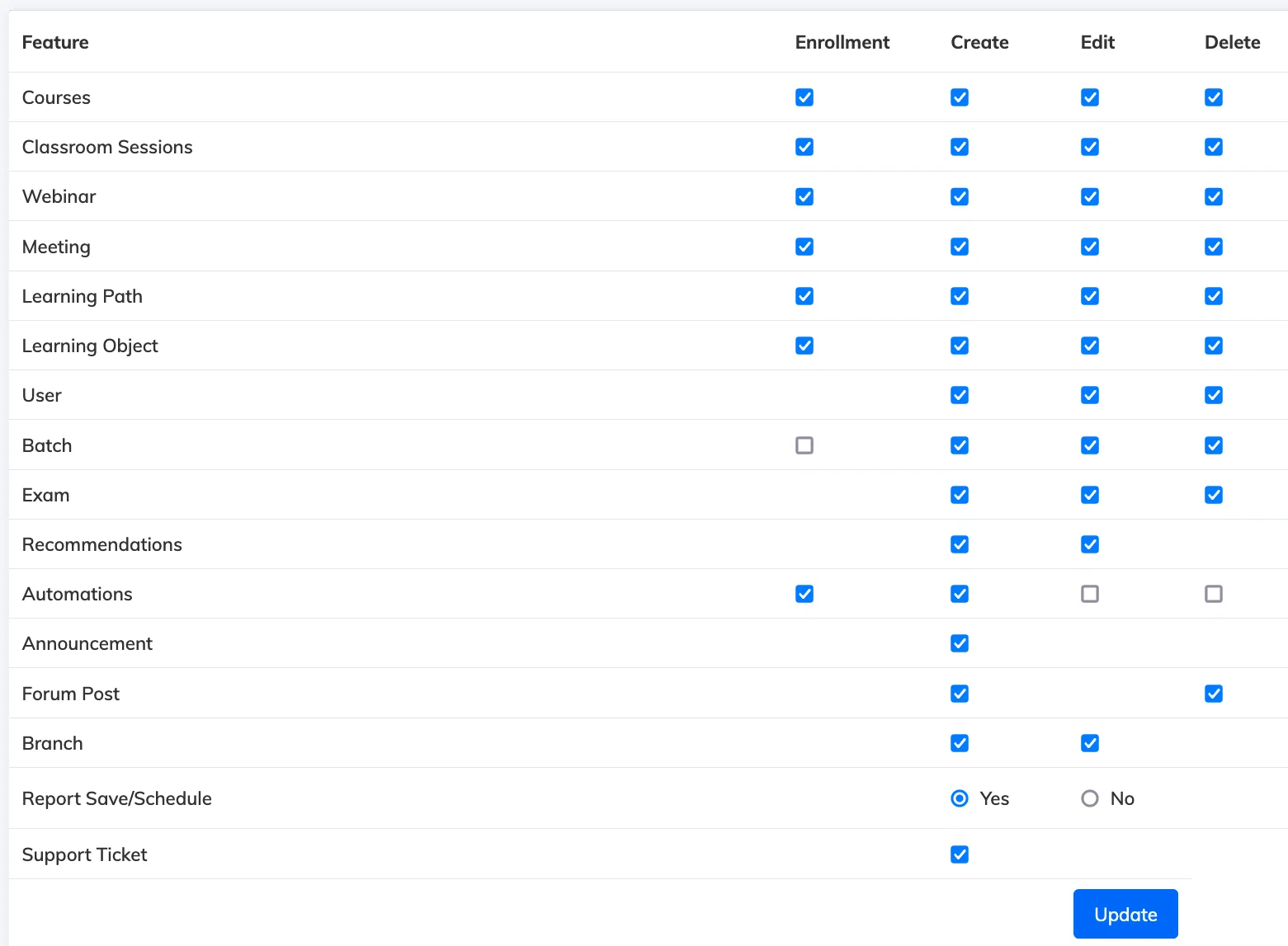
Manager permissions control which areas of the LMS a Manager can access and manage. By default, Managers have broad access – excluding Customization, Settings, and Integrations – but you can restrict this further per individual.
Steps
- Go to Users → View Users.
- Filter by Role: Manager to narrow the list.
- Click on the relevant Manager to open their User Details.
- Click the Permissions icon to view their current permissions.
- Select or deselect permissions as needed and click Update.