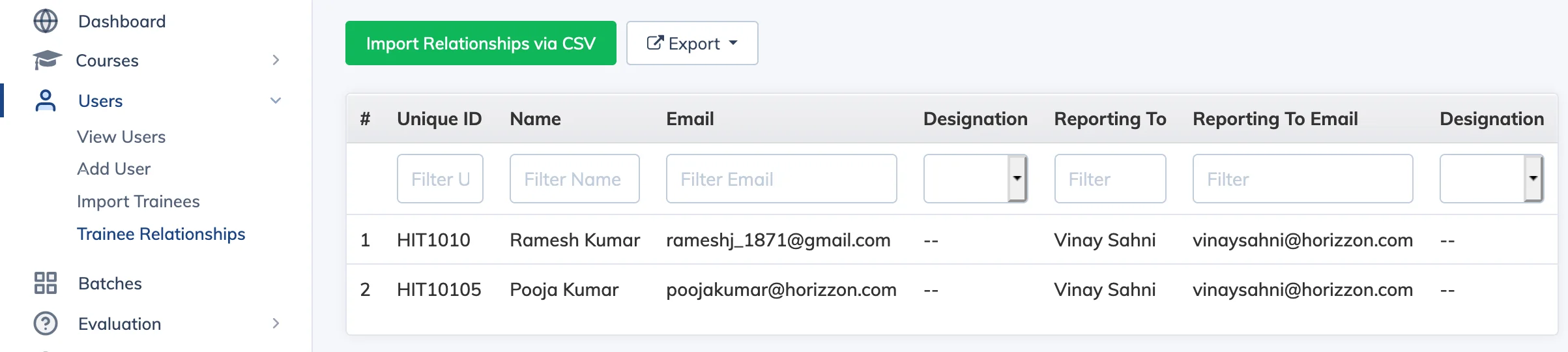
Trainee Relationships let you define reporting hierarchies so that learners can view their team members’ course progress in the My Team section of their dashboard.
Set Up Relationships
- Go to Users → Trainee Relationship. The list shows all learners along with who they report to.
- Click Import Relationships via CSV, then click Browse to upload a CSV file containing the reporting relationships.
- Click on a learner’s name to view their team hierarchy.
- You can enable or disable Report Viewing for each learner. When enabled, that learner can see their subordinates’ course details and progress.