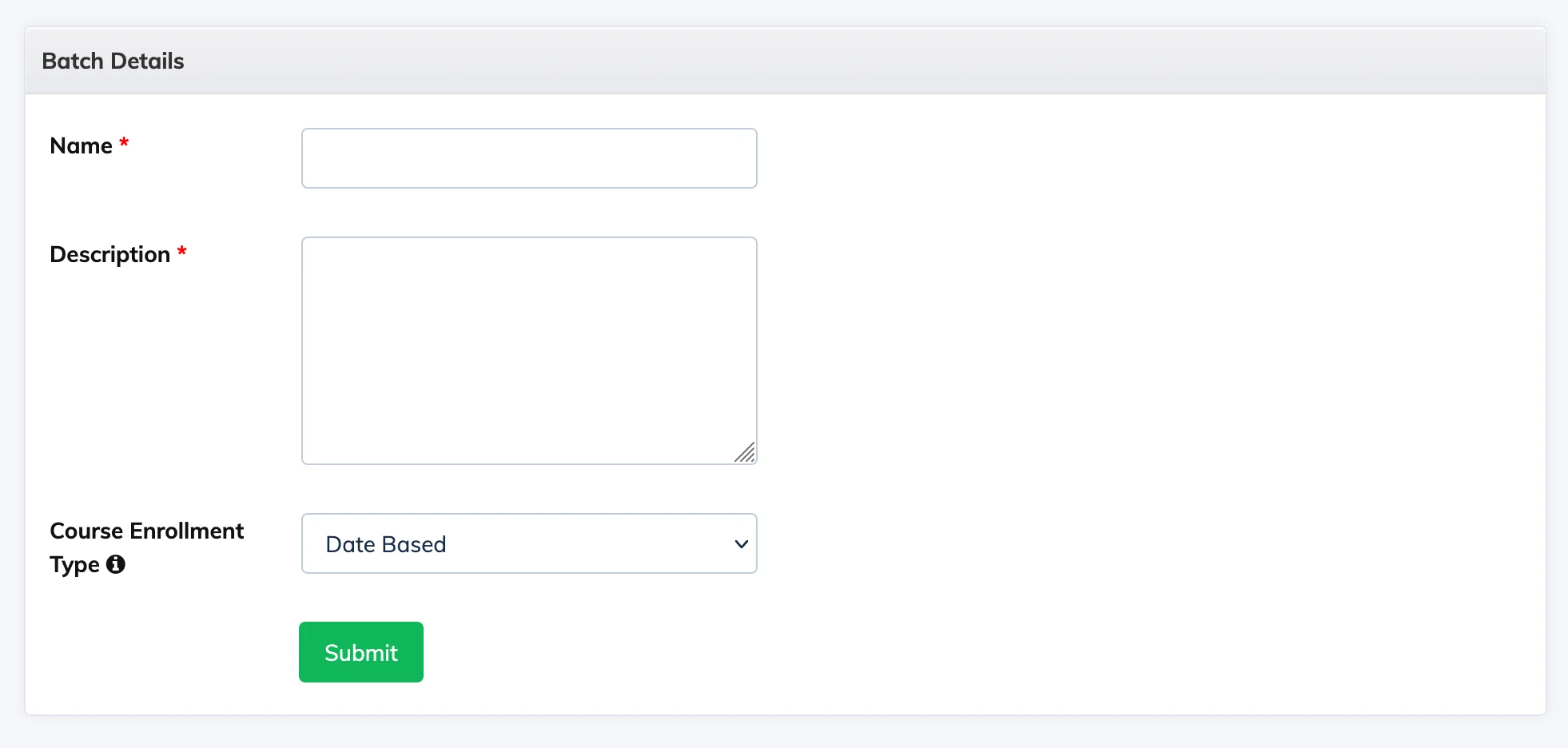
Batches group Trainees together for collective enrollment. Creating a batch requires choosing how enrollment dates are calculated – either fixed dates for everyone, or individually based on when each Trainee joins.
Steps
- Go to Batches in the navigation bar and click + Batch.
- Enter a unique Name and optional Description.
- Select a Course Enrollment Type (see below) and click Submit.
Course Enrollment Types
- Date Based – All Trainees in the batch share the same enrollment start and end dates, which you set when adding a course to the batch. The start date must be today or a future date. The end date cannot be earlier than the course duration.
- Duration Based – Each Trainee’s enrollment starts on the date they are added to the batch (or the course start date if set in the future) and ends based on the course duration. You can override the course duration per batch by enabling Override Duration and selecting a custom duration.
Note: A batch does not have its own start or end date – dates are determined by the courses added to it. A batch can be enrolled in one or multiple courses. Batch names must be unique.