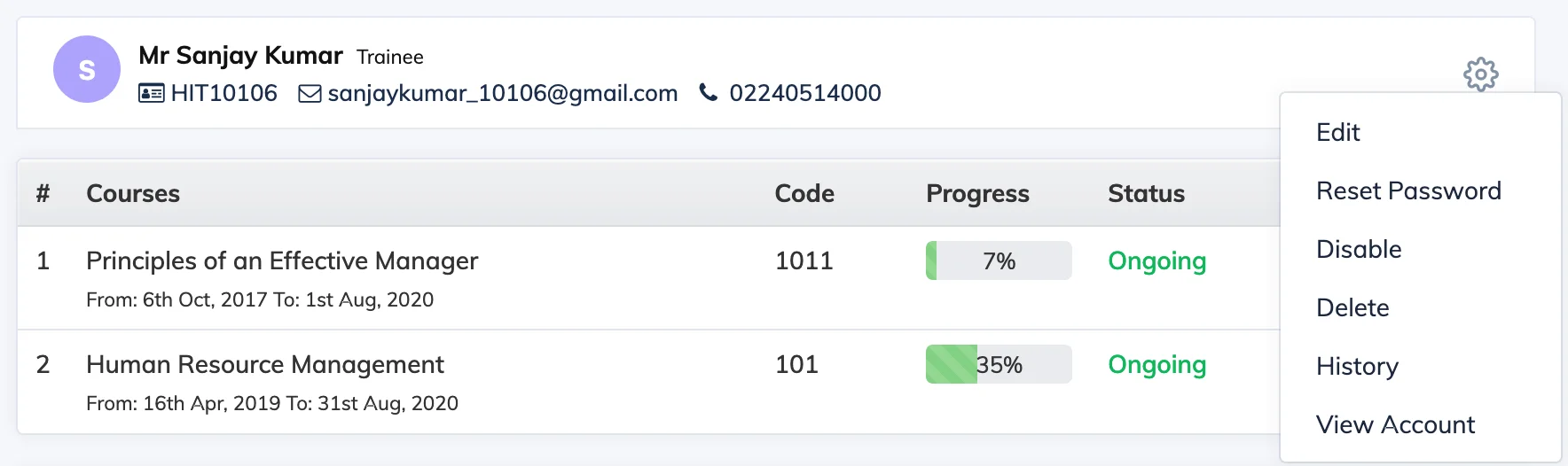
You can edit a Trainee’s profile details – such as their name, email, department, or designation – directly from the Users section.
Steps
- Go to Users → View Users.
- Click on the relevant Trainee to open their profile.
- Click the Settings icon and select Edit.
- Click Edit again to enable editing mode.
- Make the required changes and click Update.