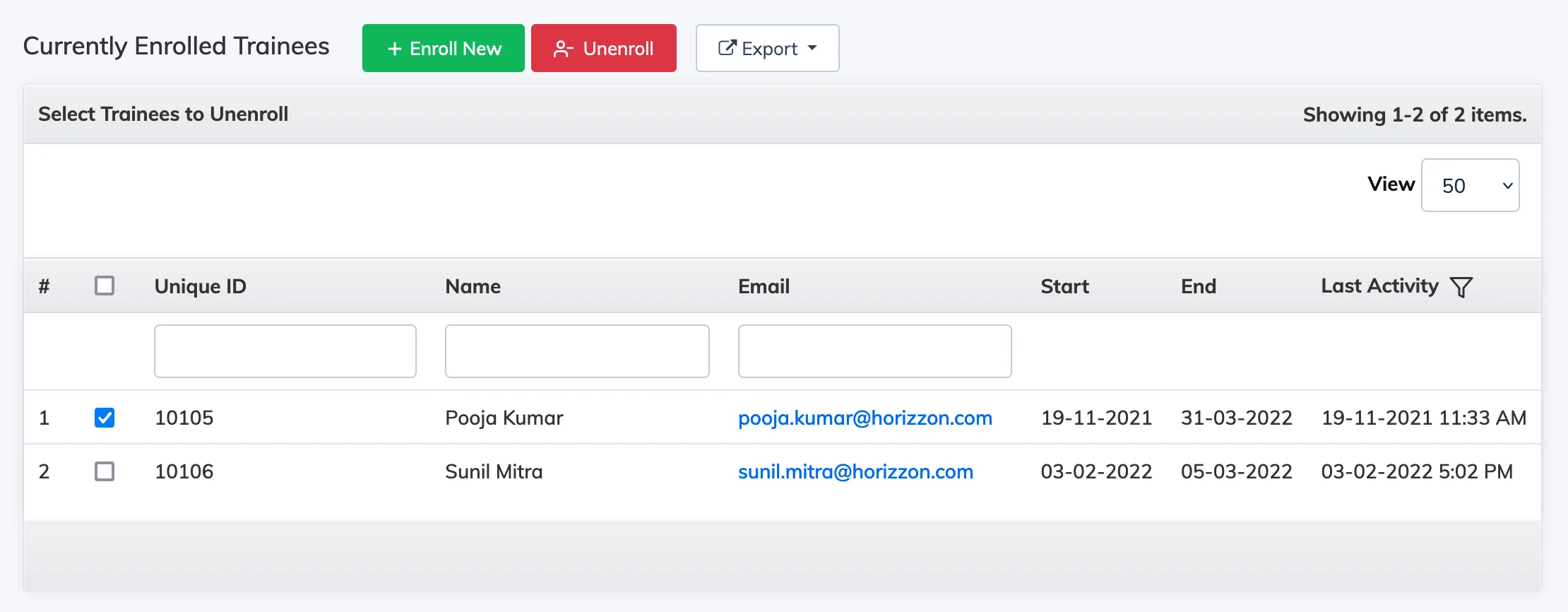
You can unenroll a Trainee from a course at any time. Note that this permanently deletes their progress and assessment data for that course.
Steps
- Go to Courses → View Courses.
- Click the Settings icon next to the relevant course and select Enroll Trainees.
- Check the box next to the Trainee you want to unenroll and click Unenroll.
Warning: Unenrolling a Trainee permanently deletes their progress and assessment data for that course. If you want to preserve this data, disable the Trainee instead of unenrolling them.
Licence and status: If the Trainee is not enrolled in any other course after unenrollment, their status reverts to Registered and the consumed licence count decreases by 1.