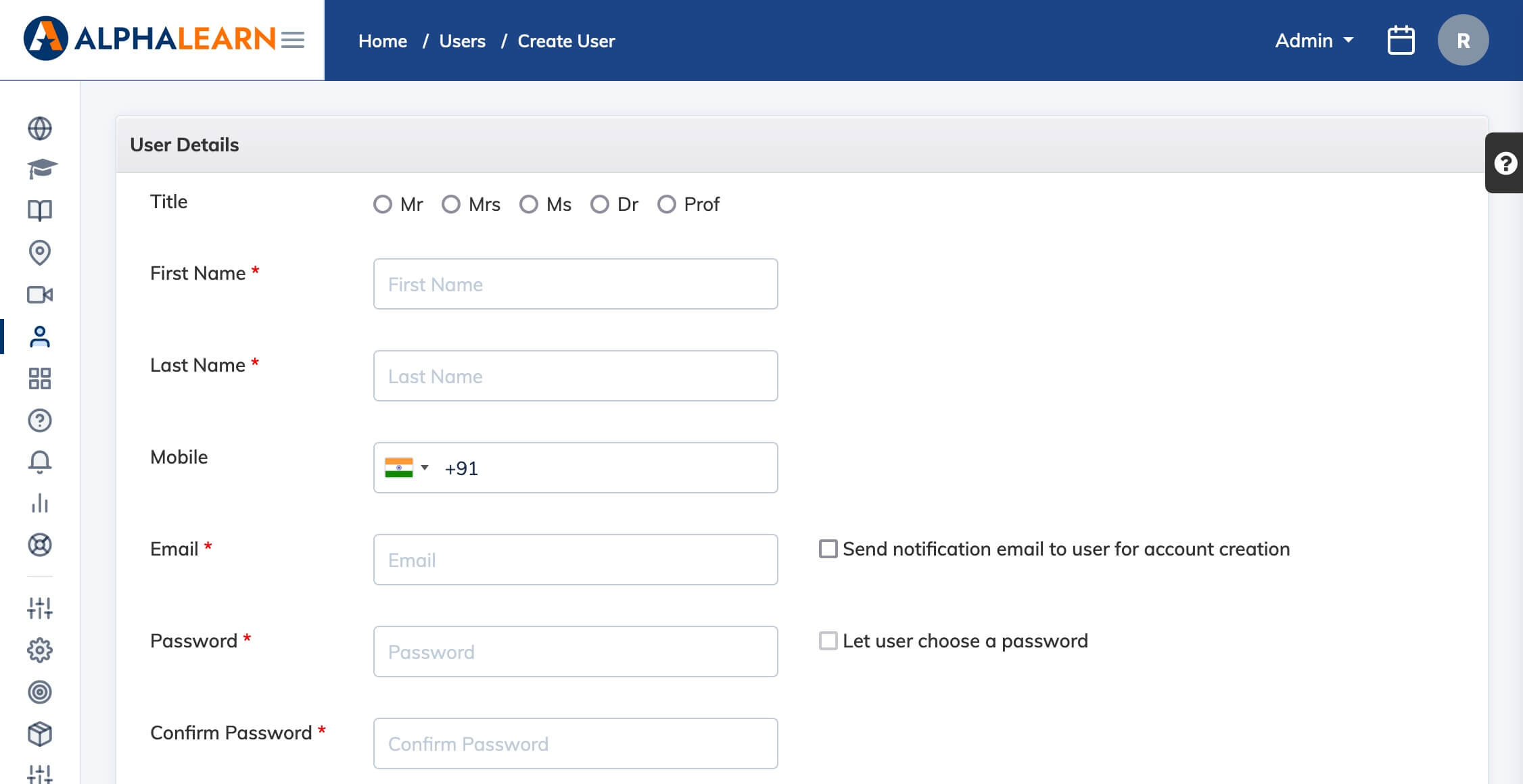
Use this to create individual Trainee accounts one at a time. To add multiple Trainees at once, see Import Trainees in Bulk.
Steps
- Go to Users → Add User.
- Fill in the required details: First Name, Last Name, Email, and Mobile Number.
- Set the Role to Trainee.
- Configure account options as needed:
- Check Send notification email to user for account creation to notify the Trainee by email.
- Check Let user choose a password to have the Trainee set their own password, or set one on their behalf.
- Click Submit.
Licence and status: A newly registered Trainee has a status of Registered and does not consume a licence. They can log in to the LMS but will not see any courses until they are enrolled in a course.