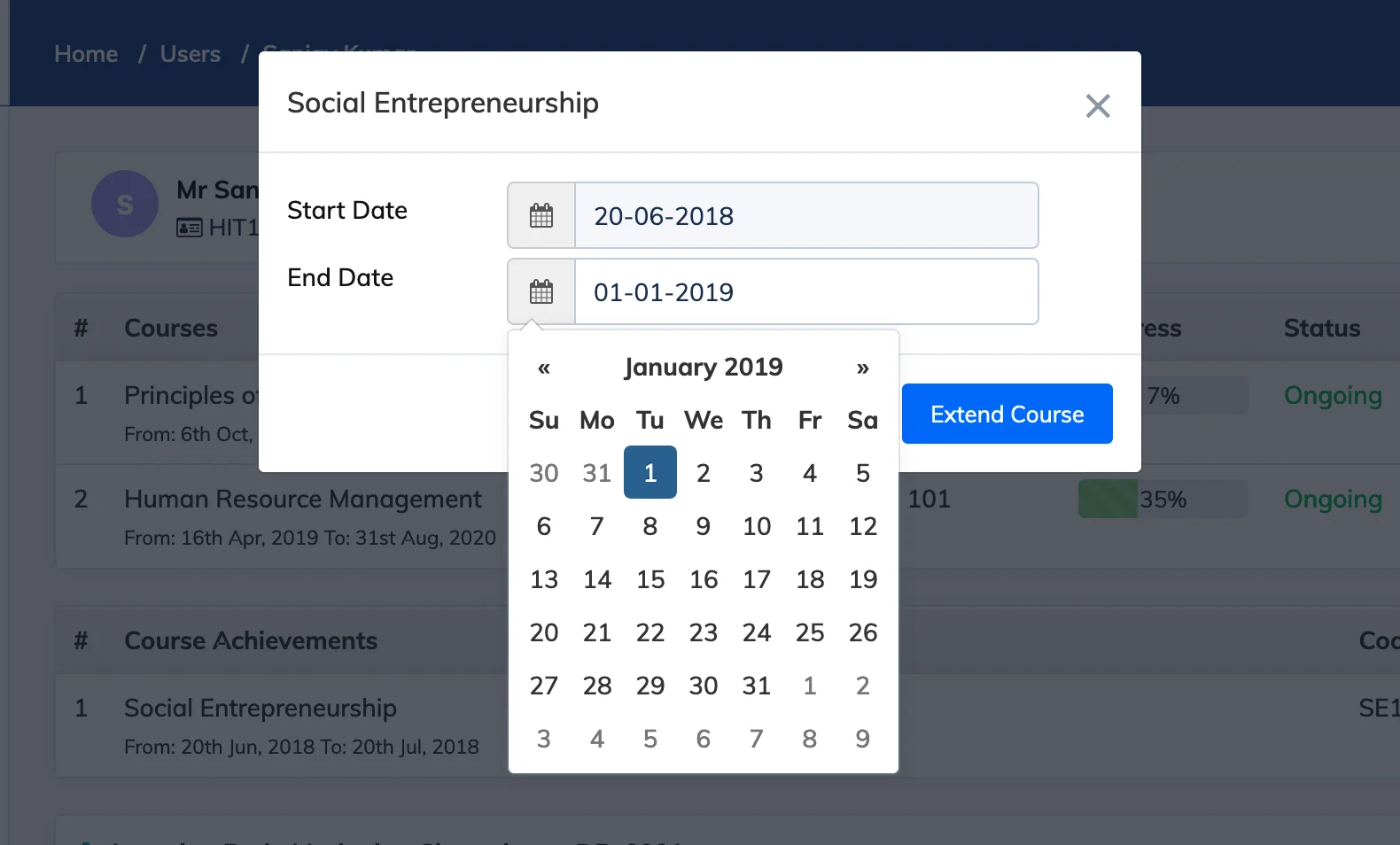
If a Trainee needs more time to complete a course, you can extend their individual course end date without affecting other enrolled Trainees.
Steps
- Go to Users → View Users.
- Click on the relevant Trainee to open their details.
- In the Action column next to the relevant course, click the Extend icon.
- Select the new End Date and click Extend Course.