Custom User Fields let you capture additional information on learner profiles beyond the standard fields – such as employee ID, cost centre, or any organisation-specific attribute.
Add a Custom Field
- Go to Customize → Custom User Fields.
- Click + Custom User Field.
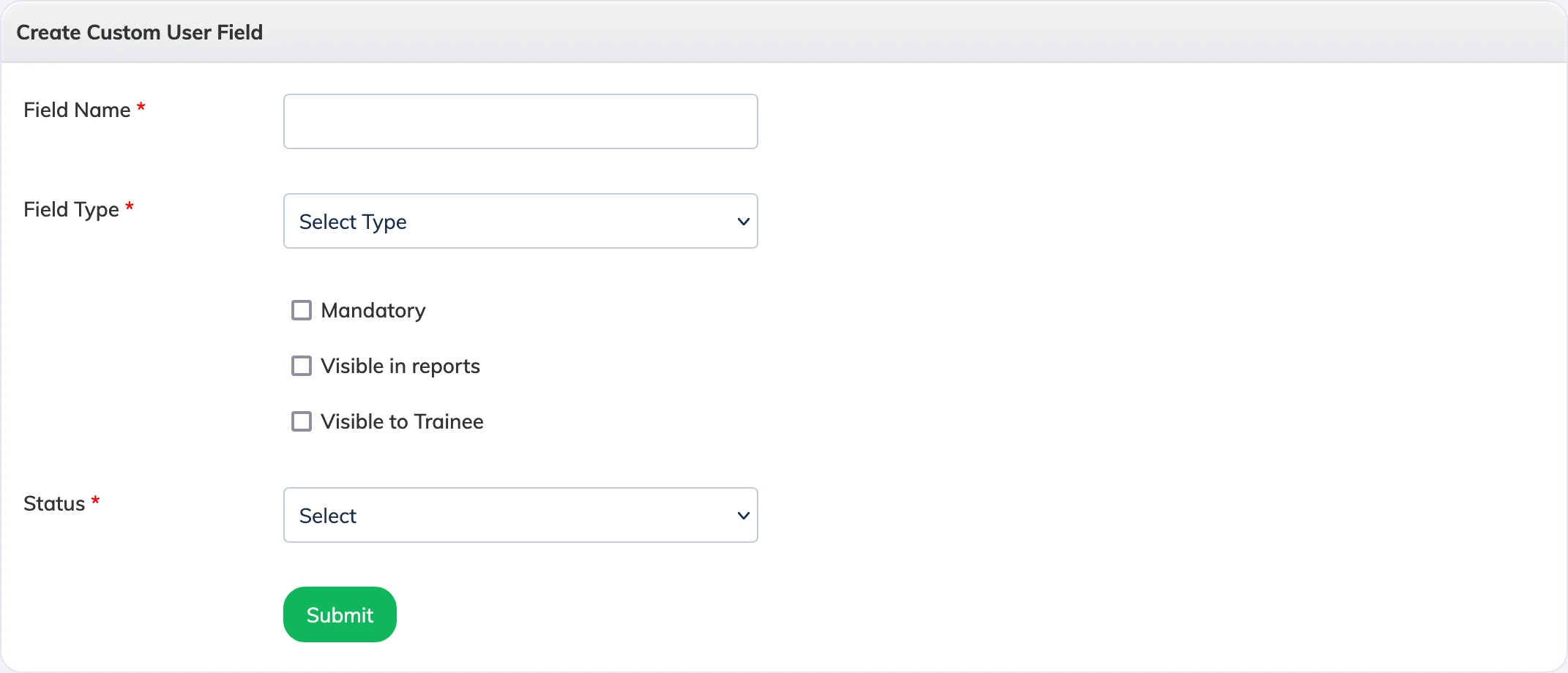
- Enter a Field Name and select the Field Type – Textbox for free text or Dropdown for a predefined list of options.
- Select the appropriate checkboxes and set the status to Active.
- Click Submit.
Custom fields appear on the user profile and can be used for filtering learners in reports.