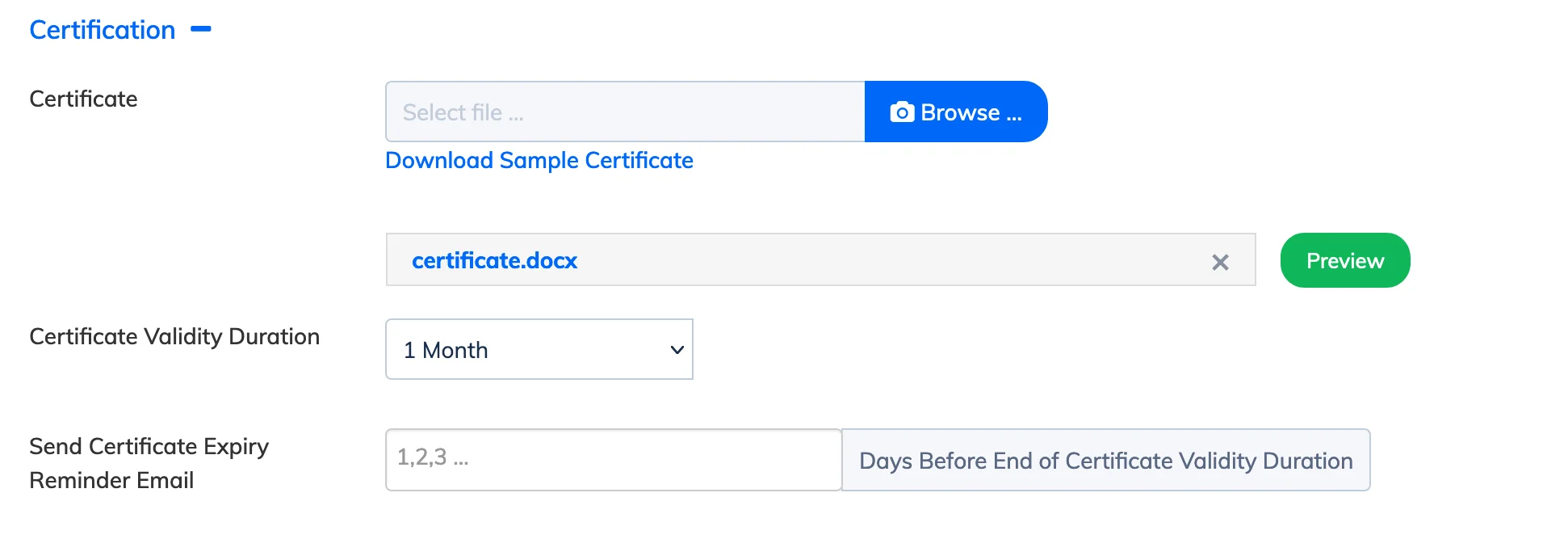
When enabled, a certificate is automatically issued to the Trainee and sent via email as soon as the course completion criteria is met.
Before you begin: A certificate template in DOCX format must be uploaded to the course. See Add a Certificate to a Course for steps.
Steps
- Go to Courses → View Courses and click the Settings icon next to the relevant course.
- Click View Details → Edit.
- Enable the checkbox Issue Certificate on Course Completion.
- Click Update.
The certificate will be issued automatically based on the Course Completion Criteria set for the course.