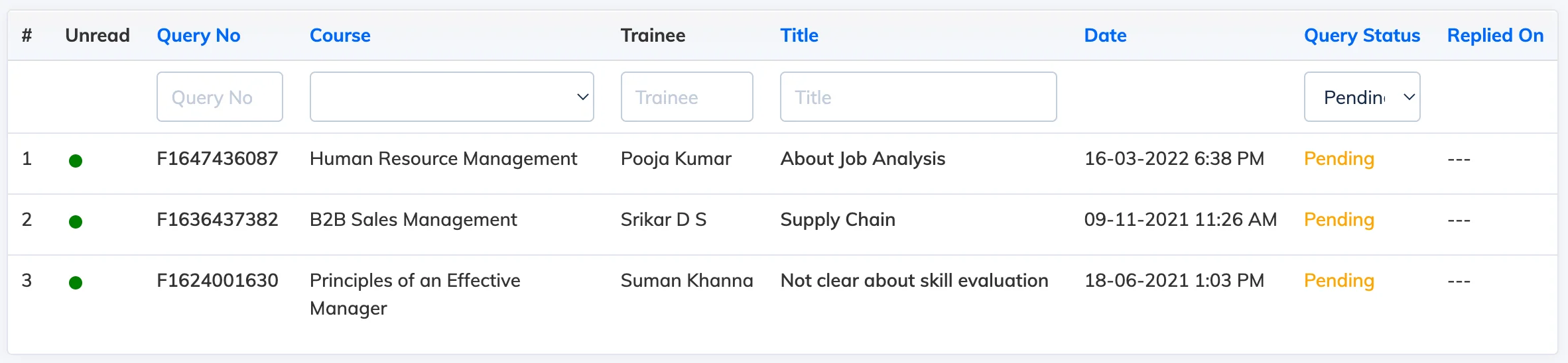
The Queries feature allows Trainees to raise questions about a course directly within the LMS. Trainers are notified of new queries and can respond from their dashboard or the course view.
Enable Queries
Go to Settings → Manage Features and enable Queries under the Manage Trainee Features section.
View Queries
When a Trainee raises a query, the Trainer receives an email notification. Queries can be accessed in two ways:
- From the Dashboard – click Queries.
- From the course list – go to Courses → View Courses and click the Pending Queries icon next to the relevant course.
Reply to a Query
- Open the query to view its details.
- Enter your response and click Submit.
- The Trainee is notified by email and can view the response on their next login.