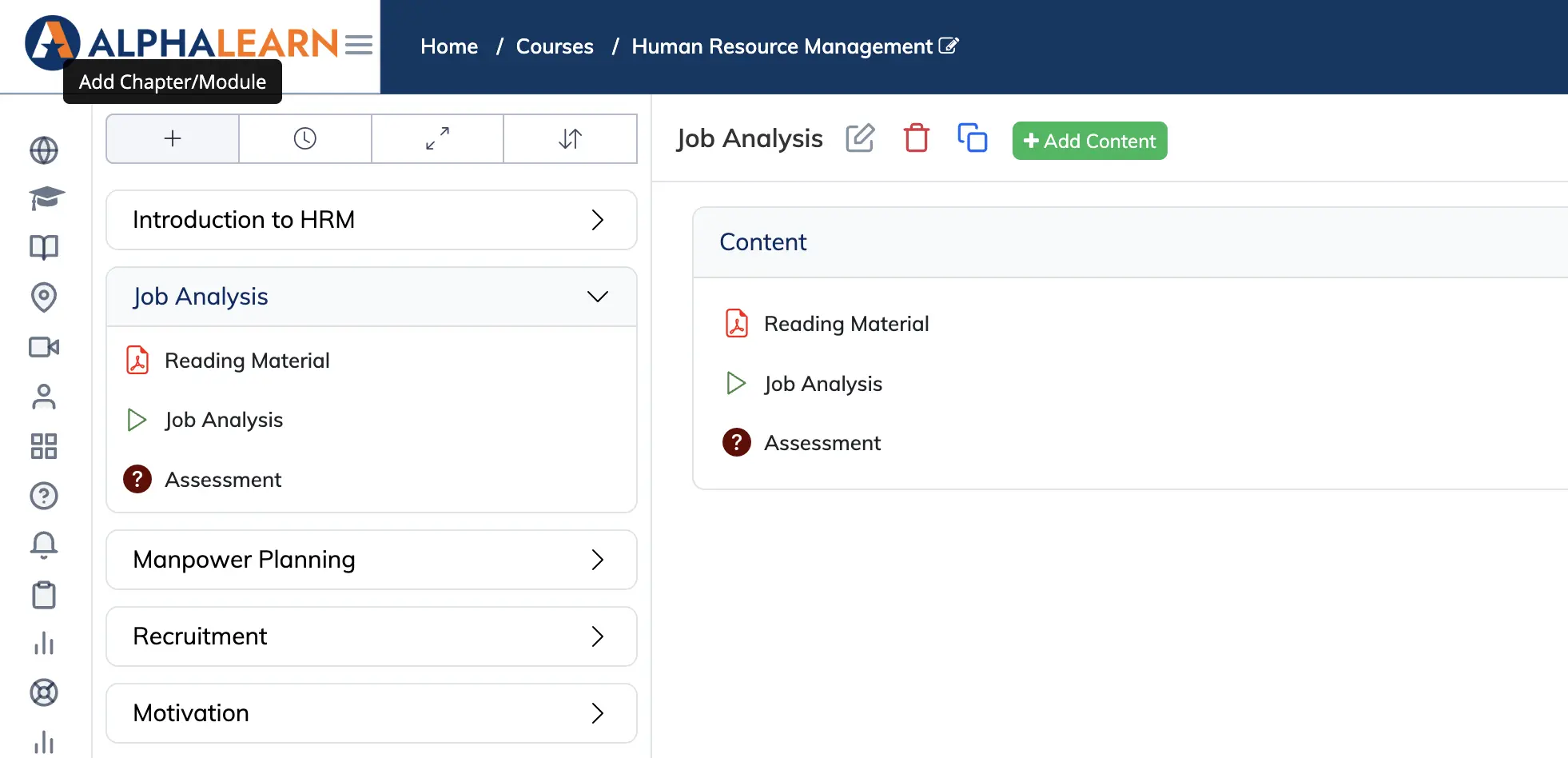
Chapters and Modules are the top-level containers within a course. Add as many as needed to organise your course content into logical sections.
Steps
- Go to Courses → View Courses and open the relevant course.
- Click + Chapter/Module, enter a Name (required) and an optional Description, then click Save.
- Repeat to add more chapters or modules as needed.
Once your modules are in place, see how to add content to a chapter or module.