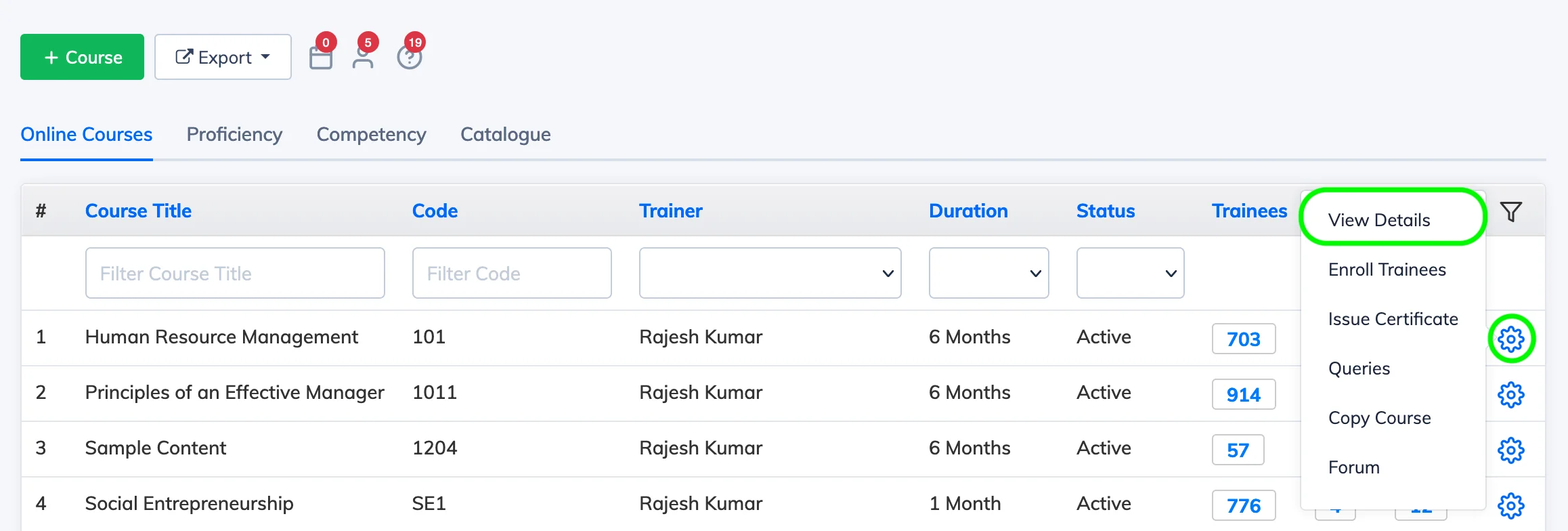
Here are the steps to view and update course settings – including title, duration, availability, completion criteria, and advanced options.
Steps
- Go to Courses → View Courses in the navigation bar.
- Click the Settings icon next to the relevant course and select View Details.
- Click Edit, make the required changes, and click Update to save.