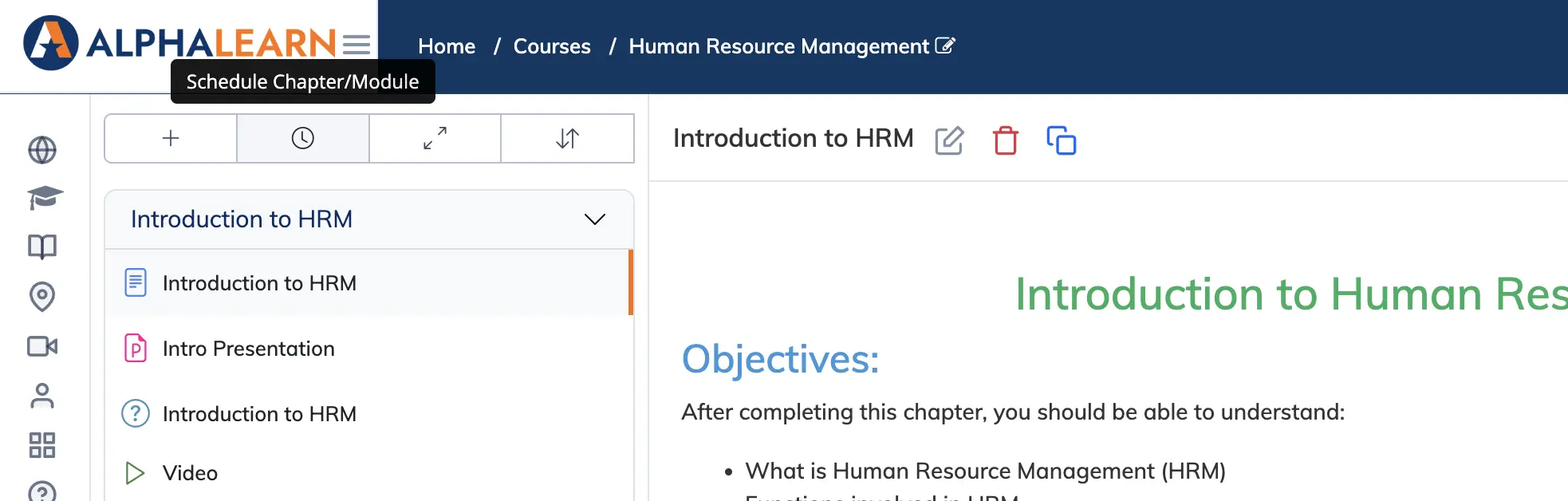
Content scheduling lets you release course modules at set intervals after enrollment – useful for structured learning paths where content should be consumed progressively rather than all at once.
Steps
- Go to Courses → View Courses and open the relevant course.
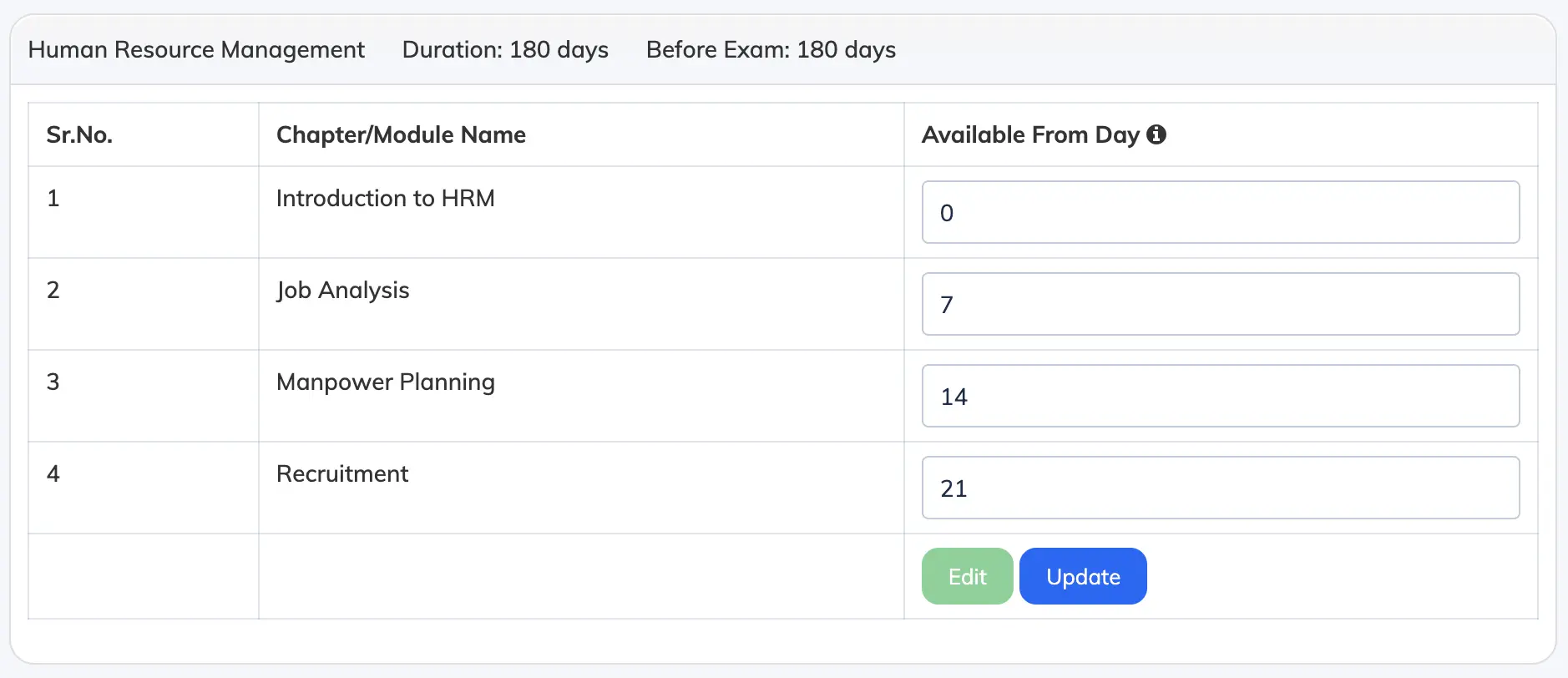
- Click the Schedule button, then click Edit.
- For each module or chapter, enter a value in Available from Day – the number of days after enrollment when that module becomes accessible.
- Click Update to save the schedule.
Example: For a course with 4 modules released weekly, set Available from Day to 0, 7, 14, 21. A value of 0 means the module is available immediately on enrollment.