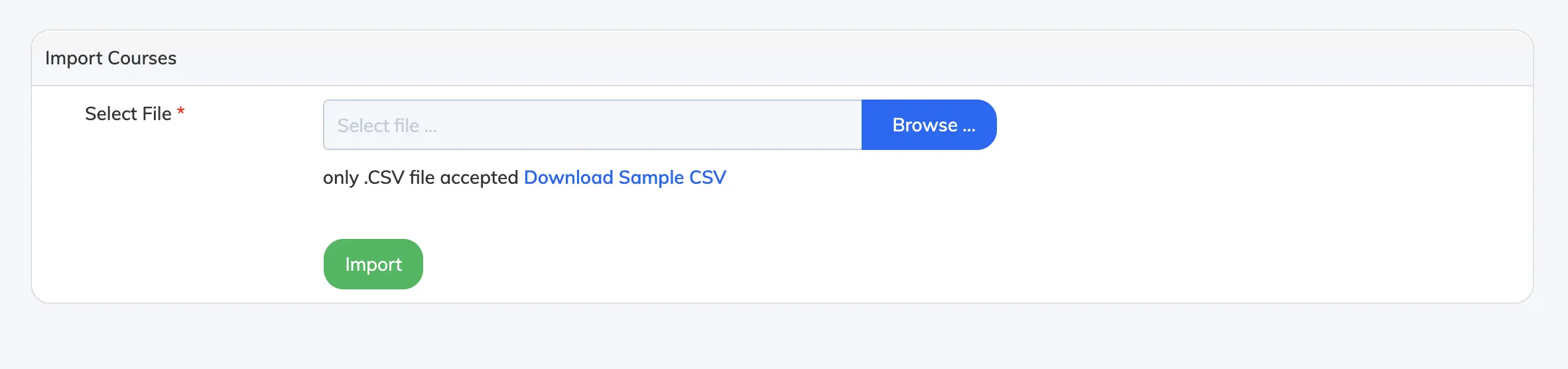
Import Courses allows you to create multiple courses at once using a CSV file, instead of adding them one by one.
Steps
- Go to Courses → Import Courses.
- Click Download Sample CSV to get the required file format.
- Fill in the course details for each row: Title, Course Code, Description, Available From, Duration (days), and Assign Trainer.
- Save the file, then click Browse, select the file, and click Import.
- Once the courses are created, you can upload course content to each one.