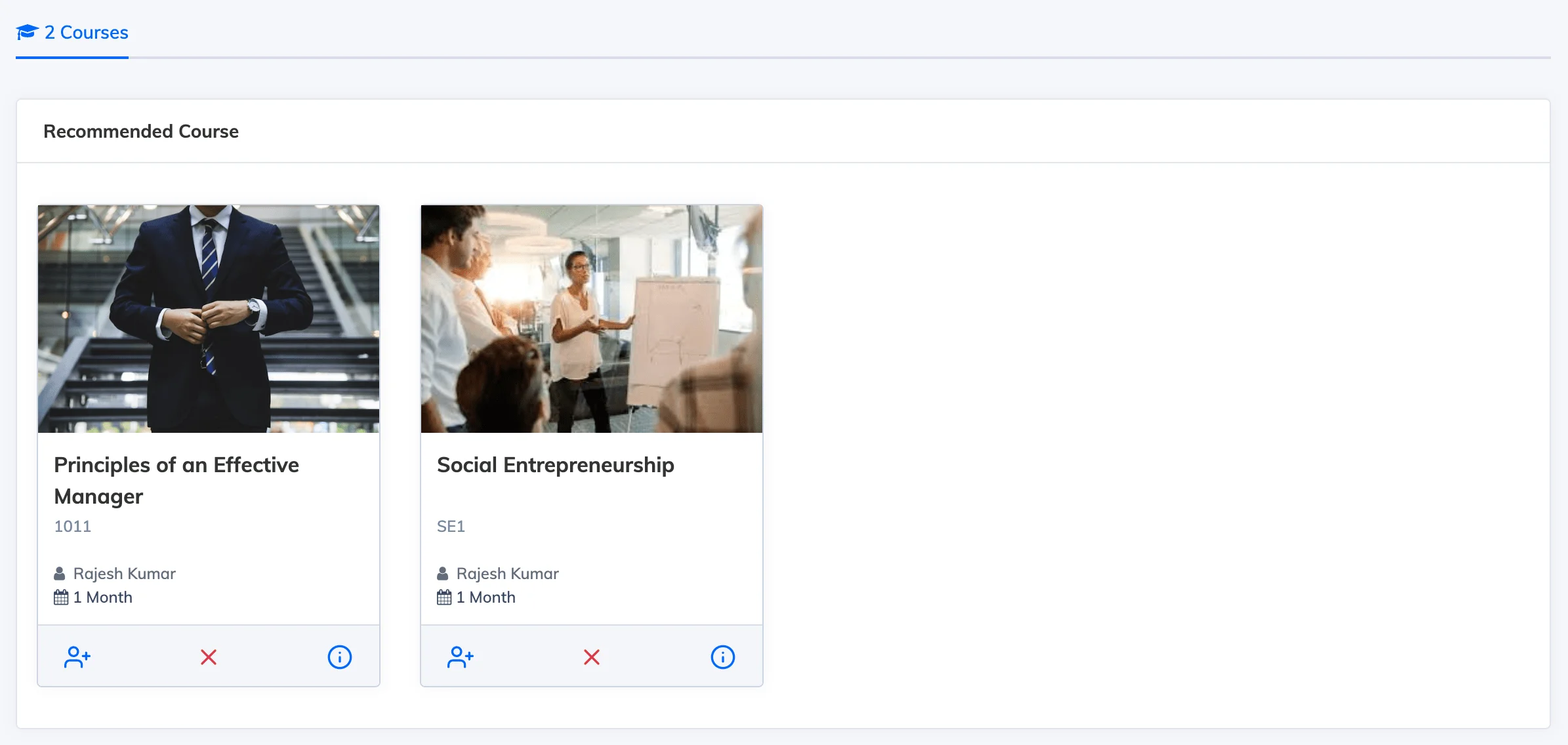
Recommendations highlight specific courses to Trainees based on their Department, Designation, or Branch – prompting them to enrol without requiring mandatory assignment.
Steps
- Go to Courses → Recommendations.
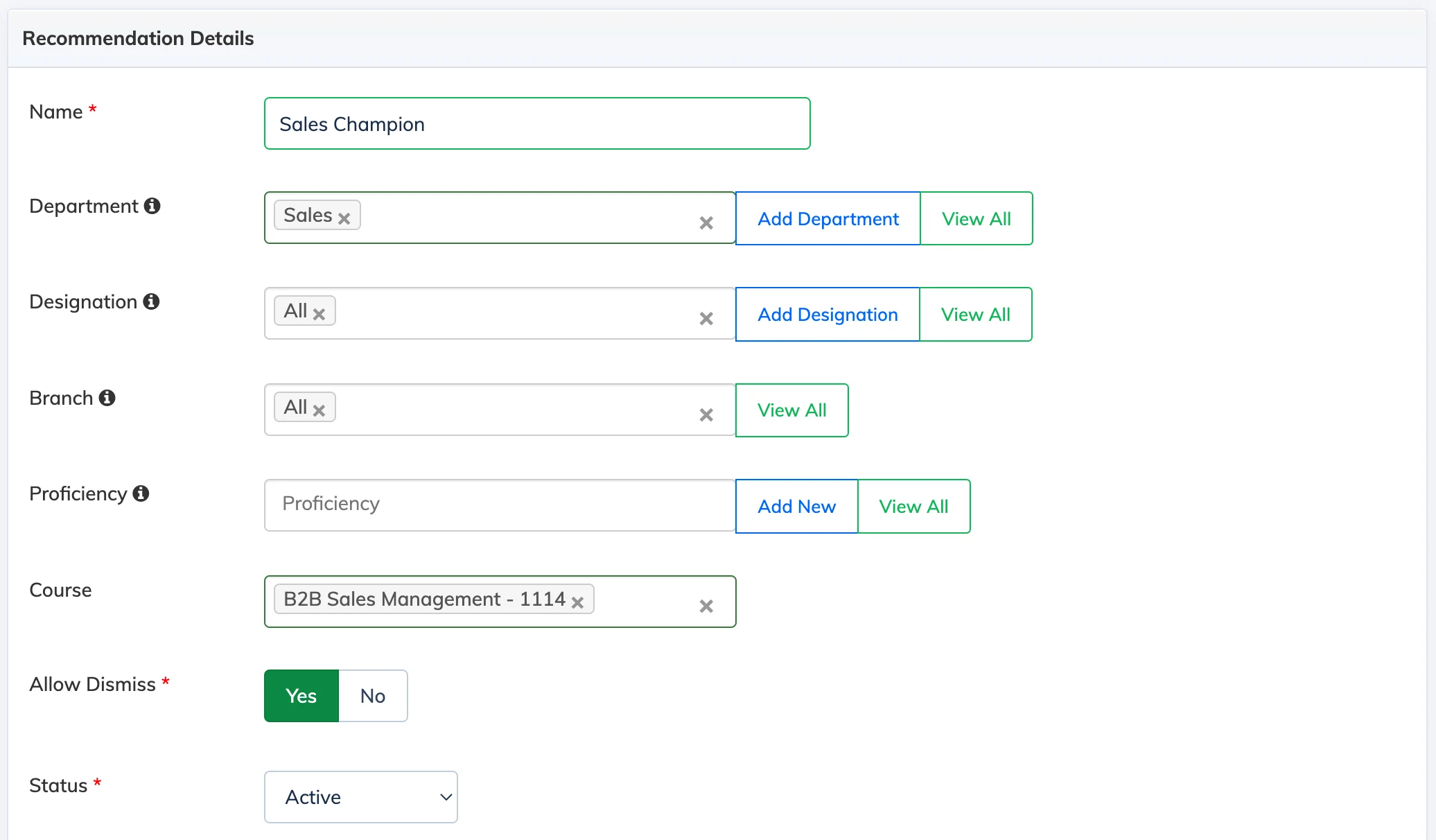
- Click + Recommendation and enter a name.
- Select the target Department, Designation, and Branch.
- Select the course or courses to recommend.
- Set Allow Dismiss to No if you do not want Trainees to be able to dismiss the recommendation. By default, dismissal is allowed.
- Click Create.
Trainee View