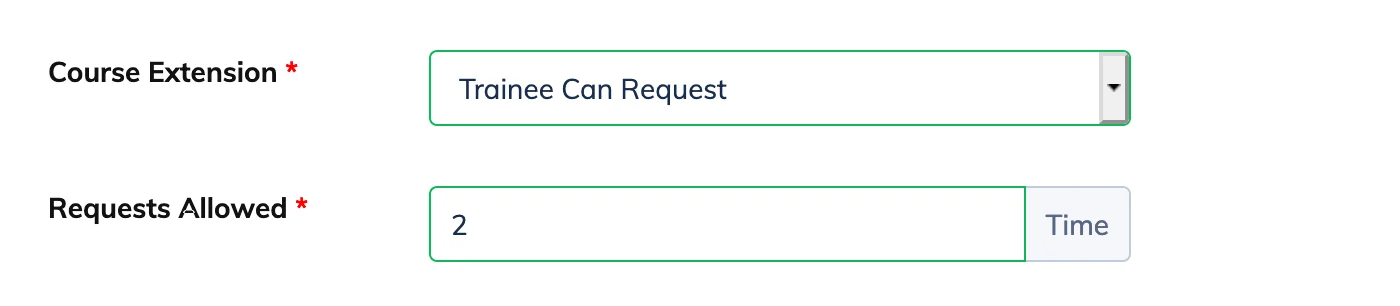
Course Extension settings control whether Trainees can request more time to complete a course after their enrollment duration ends.
Steps
- Go to Courses → View Courses and click the Settings icon next to the relevant course.
- Click View Details and locate the Course Extension section.
- Select one of the following options:
- Trainee Can Request – The Trainee submits an extension request which an admin can approve or reject. Set the number of times a Trainee is allowed to request an extension in Requests Allowed.
- Extend Automatically – The Trainee can extend the course without admin approval. Set the number of days to extend in Extend For and the maximum number of times in Requests Allowed.
- Not Available – Course extensions are disabled.