AlphaLearn lets you save any report for quick access later, and schedule automatic email delivery of saved reports on a recurring basis.
Save a Report
- Open any report and configure it as needed.
- Enter a name in the text box and click Save.
- The saved report is accessible under Reports → Saved Reports.

Schedule Automatic Email Delivery
- Go to Reports → Saved Reports.
- Click the clock icon next to the relevant saved report.
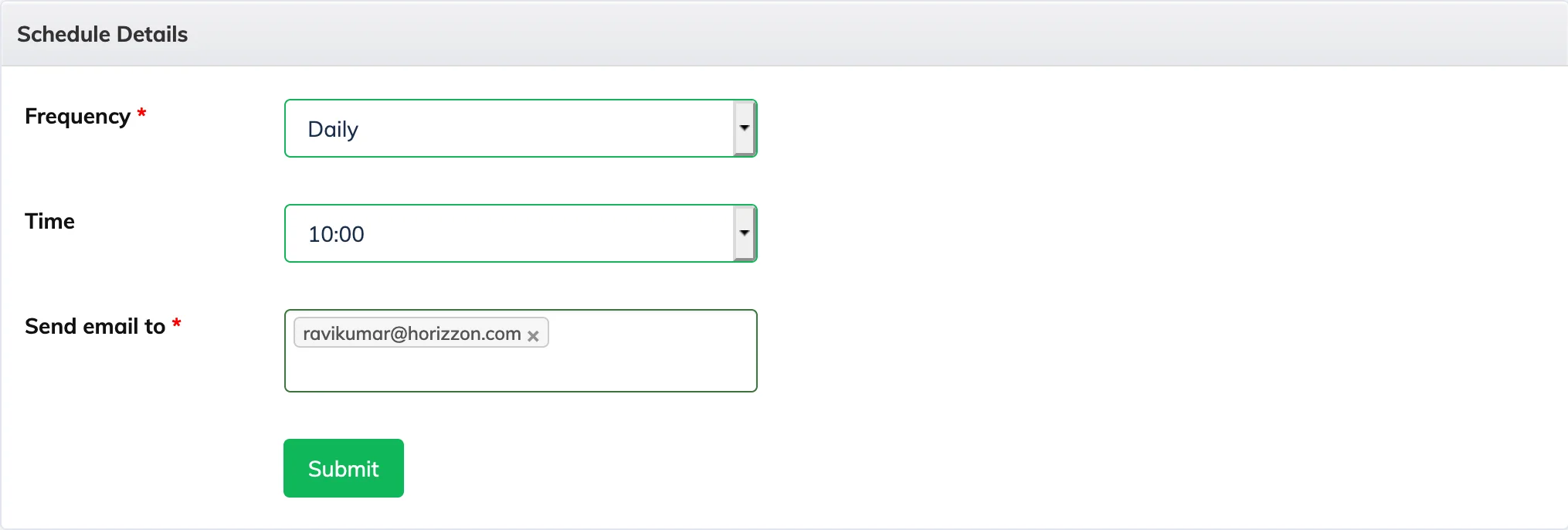
- Select the Frequency and Time, and enter the recipient email address.
- Save the schedule. The report will be emailed automatically at the configured frequency.