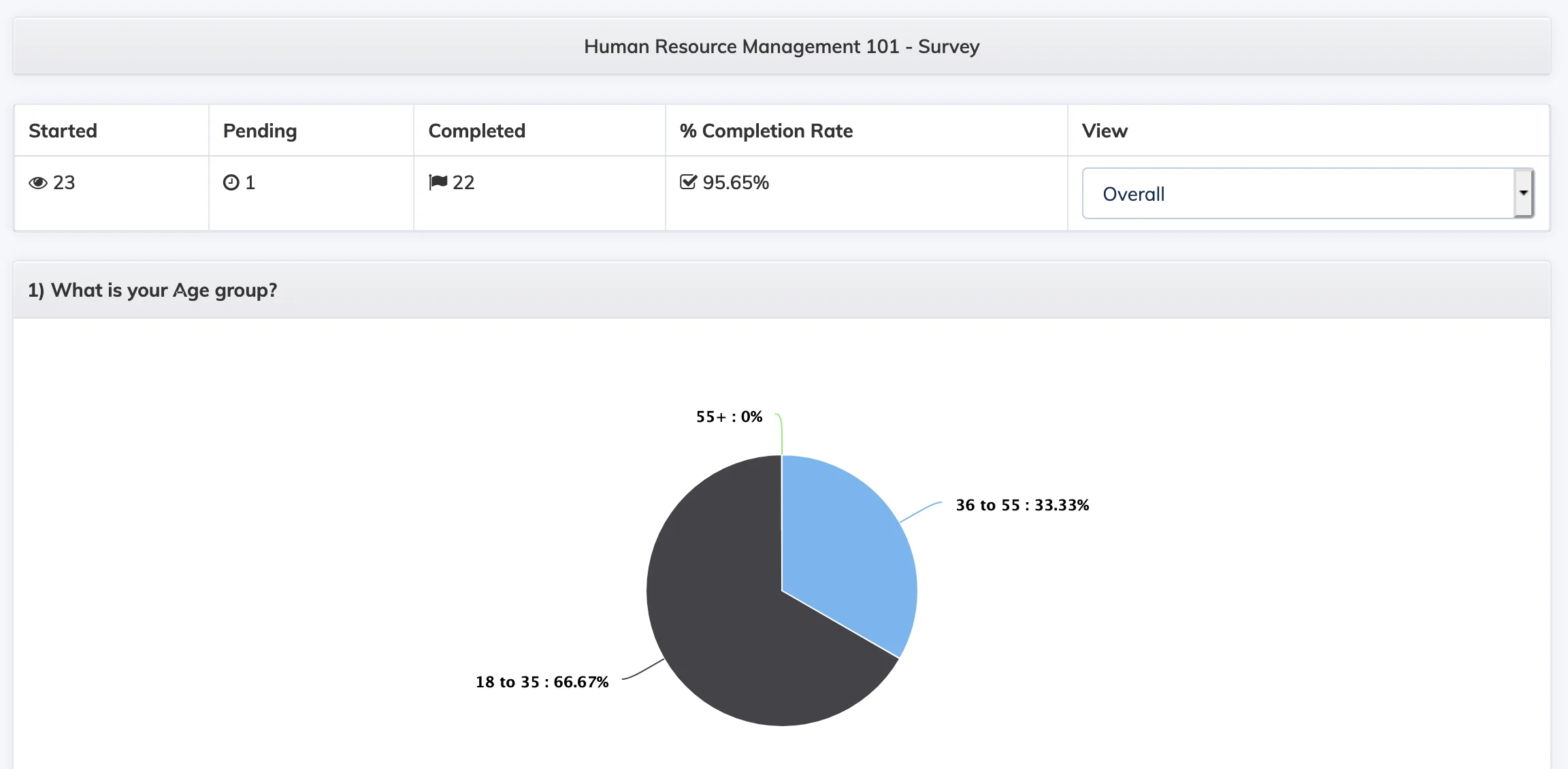
The Course Survey Report shows survey responses collected from learners within a course, with both summary statistics and individual learner views.
Steps
- Go to Reports → Course.
- In the Course dropdown, select the relevant course.
- In the Report dropdown, select Survey.
- Select the display type – Tabular or Graphical – and click Submit.
- The report lists all surveys in the course. Click a survey to view its detailed statistics.
- Use the Individual or All Trainees buttons to switch between a per-learner view and an aggregated view.