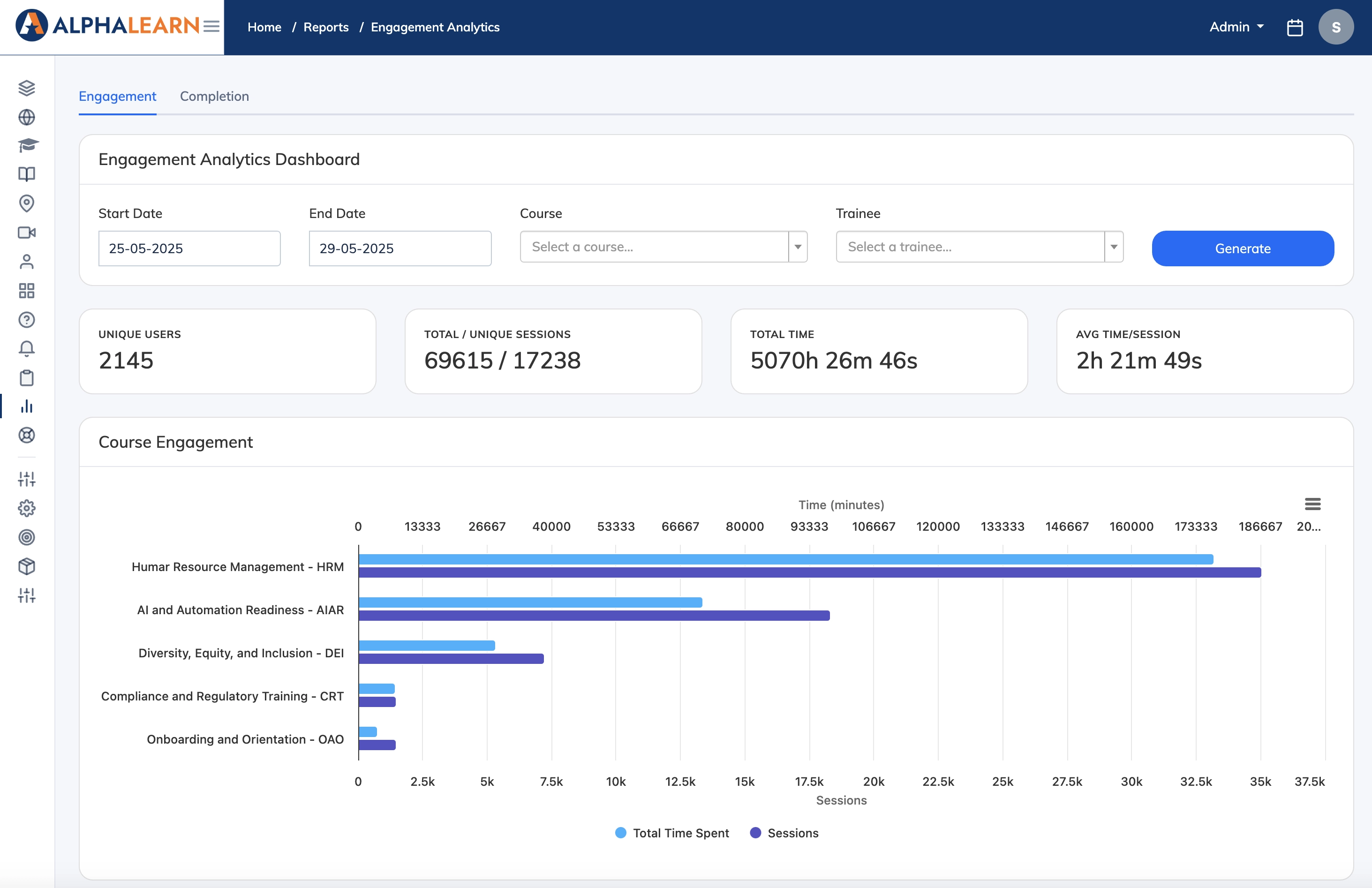
The Engagement Analytics Report shows how actively learners are interacting with the LMS – including overall course and content engagement, the most active learners, top-performing courses, and the most viewed content.
Steps
- Go to Reports → Engagement Analytics.
- Select a Start Date and End Date. The date range must be 30 days or less.
- Click Generate to view analytics across all courses.
- To narrow the view, select a specific course or learner from the filters.