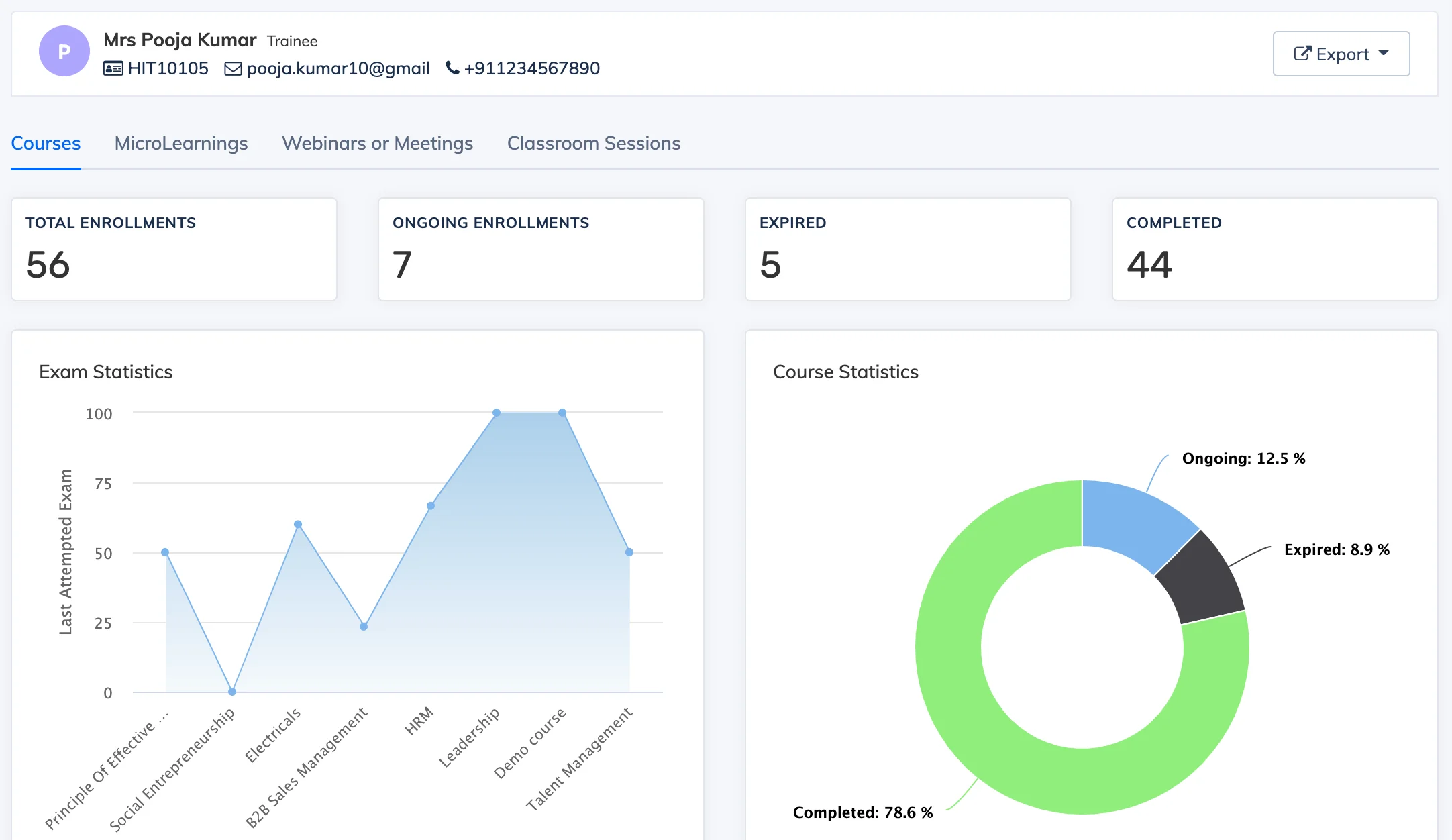
The Trainee Statistics Report provides a detailed view of an individual learner’s activity and progress across courses, Learning Objects, webinars, and classrooms.
View the Report
- Go to Reports → Trainees.
- Click on the relevant learner to open their statistics.
- Use the tabs to switch between Learning Objects, Webinars, and Classrooms for activity specific to each area.