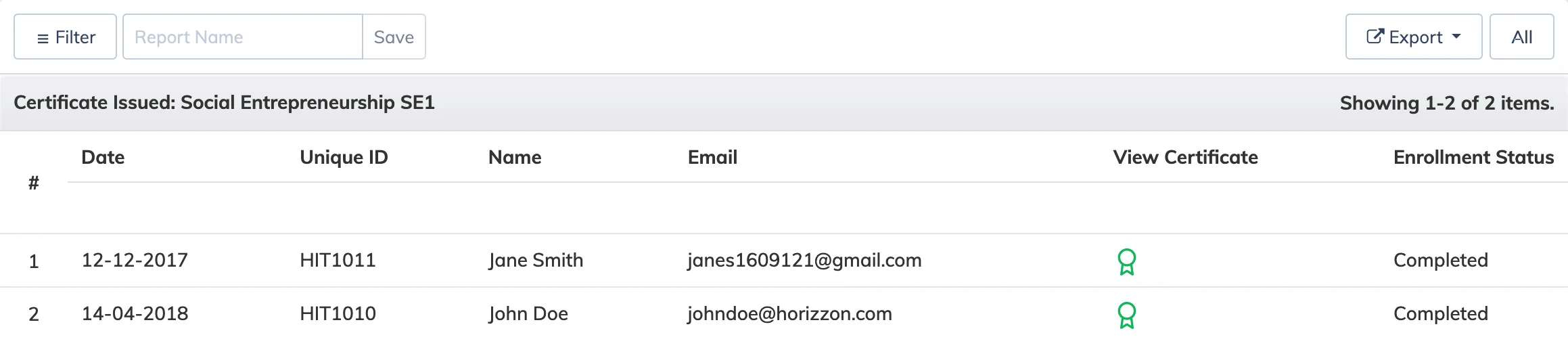
The Certificate Issued Report shows which learners have received certificates for a course, along with the option to view certificate data across all courses at once.
Steps
- Go to Reports → Course.
- In the Course dropdown, select the relevant course.
- In the Report dropdown, select Certificate Issued.
- Apply any Advanced Filters, Period, and Enrollment status as needed.
- Select the display type – Tabular or Graphical – and click Submit.
- To view certificate data across all courses, click All Courses at the top.
Save the Report
Enter a name in the text box and click Save. Saved reports are accessible under Reports → Saved Reports.