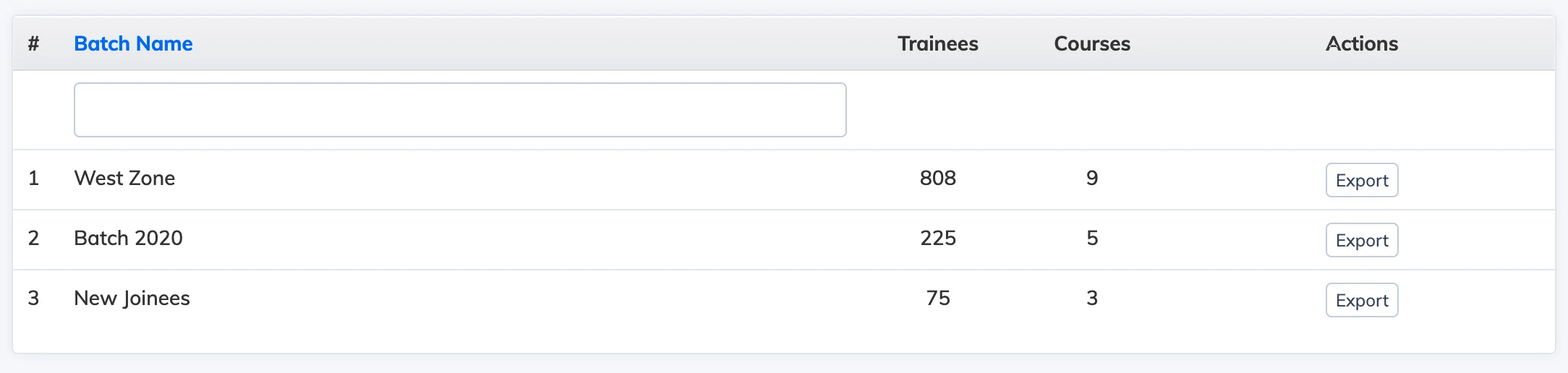
The Batch Report gives an overview of all batches in your LMS, showing the number of learners and courses assigned to each.
View the Report
- Go to Reports → Batch.
- The report lists all batches with their learner and course counts.
- Click Export to download a detailed report for each batch.