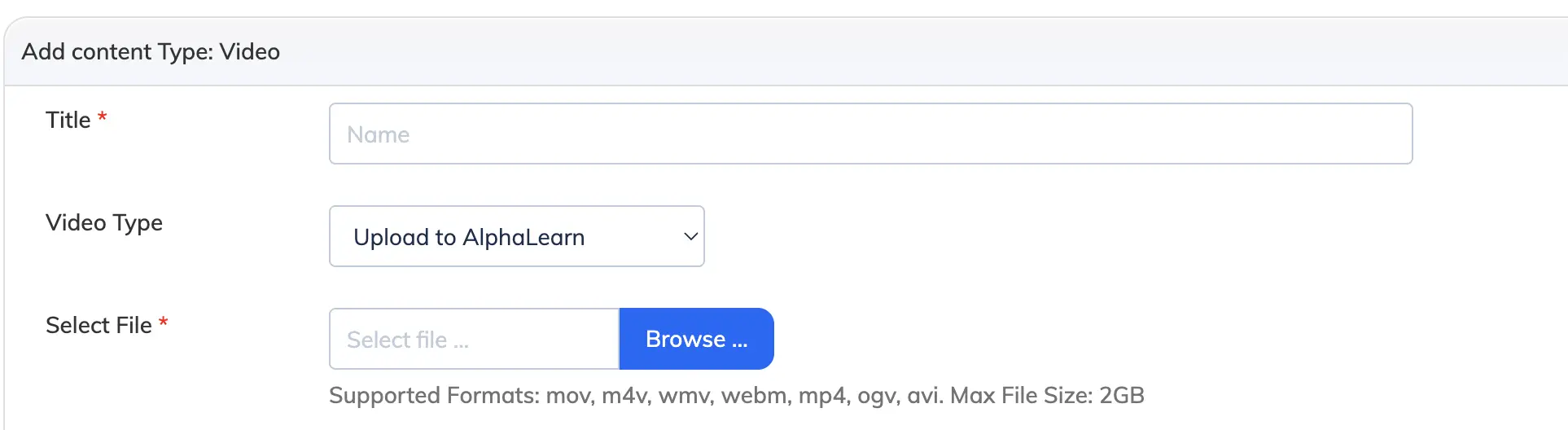
Videos can be uploaded directly or embedded from YouTube or Vimeo. The maximum file size for uploaded videos is 2 GB.
Steps
- Go to Courses → View Courses and open the relevant course.
- Click the chapter or module where you want to add the video.
- Click + Add Content and select Video.
- Choose a video type and complete the steps below.
Upload to AlphaLearn
Upload a video from your computer. Enter the title, configure the options below, and click Create.
Note: If your video is already compressed and in MP4 format, set Skip Video Conversion to Yes to speed up the upload.
YouTube Link / Vimeo Link
Embed an existing video by URL. Enter the video title, paste the link, configure the options below, and click Create.
Video Options
- Watermark: Show or hide a watermark on the video player.
- Consider In Progress: Mark the video as in progress when the Trainee starts watching.
- Allow Fast Forward: Allow or restrict Trainees from skipping ahead in the video.