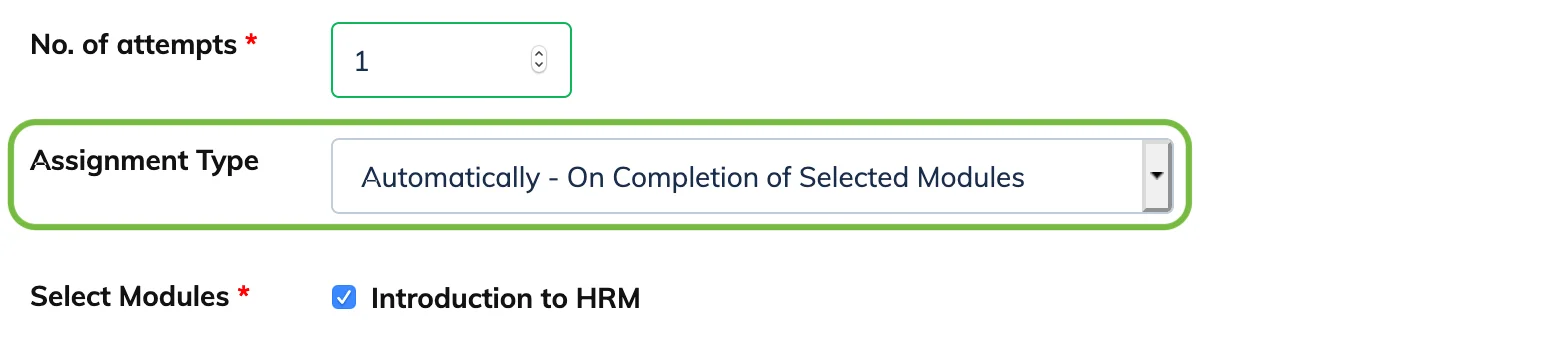
An assignment can be allocated to Trainees manually or automatically based on module completion. The assignment type is set when creating the assignment.
Manual Assignment
The assignment is not visible to Trainees until you allocate it to them individually.
- Go to Evaluation → Assignment and open the relevant course.
- Click the count in the Not Assigned column for the relevant assignment.
- Select the Trainees from the list and click Assign Selected Trainee.
Automatic Assignment (On Completion of Selected Module)
The assignment becomes visible to Trainees automatically once they complete the selected modules. When this type is chosen, a list of modules is displayed – select the modules that should trigger the assignment.