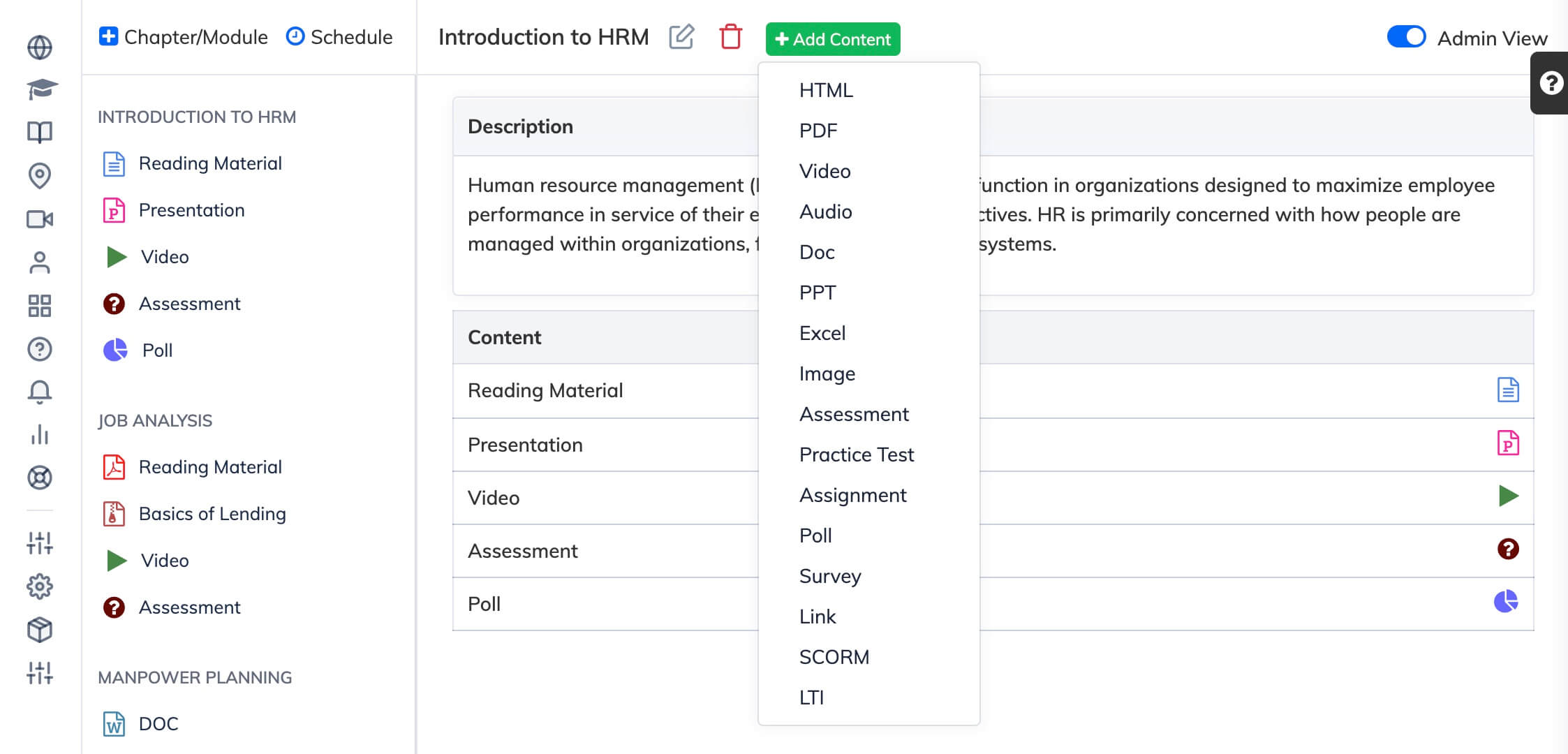
Course content is organised by chapters and modules. You can upload videos, documents, SCORM packages, AI-generated courses, quiz, and more – each added at the module level.
Steps
- Go to Courses → View Courses and open the relevant course.
- Click the chapter or module where you want to add content.
- Click + Add Content.
- Select the content type and follow the upload steps for that type.
Tip: For a full list of supported content types and how to add each one, see Adding Different Types of Content.