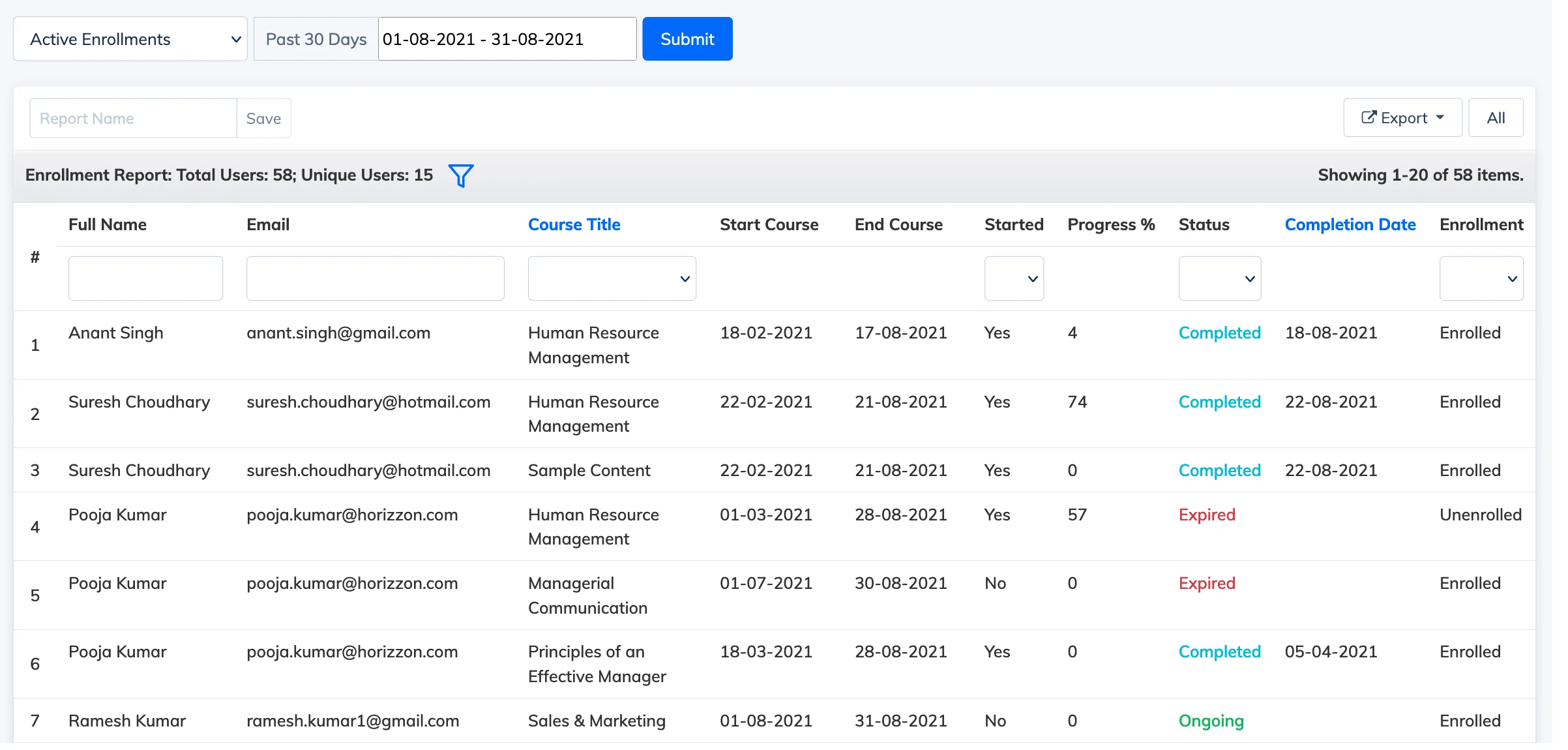
The Enrollment Report gives you a view of learner enrollments across your LMS, with options to filter by active or new enrollments within a selected date range.
View the Report
- Go to Reports → Enrollment Report.
- The report defaults to Active Enrollments for the past 30 days. Select a date range and choose a report type from the dropdown:
- Active Enrollments – enrollments that are ongoing within the selected date range.
- New Enrollments – enrollments that were created within the selected date range.
- Click the Filter icon to add or remove columns from the report.