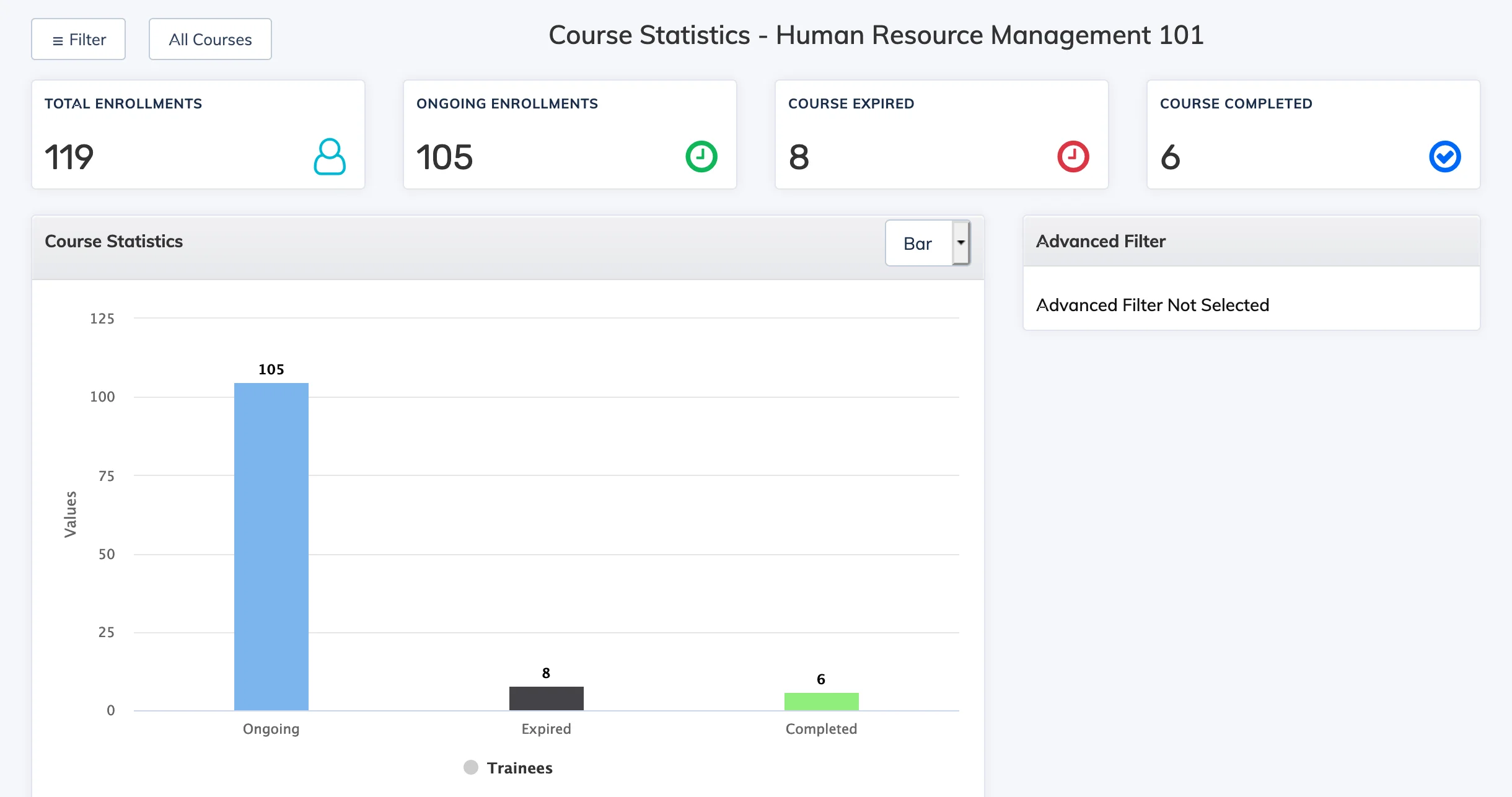
The Course Statistics Report provides a summary of enrollment and completion metrics for a course – including total enrollments, ongoing, completed, and expired counts.
Steps
- Go to Reports → Course.
- In the Course dropdown, select the relevant course.
- In the Report dropdown, select Course Statistics.
- Apply any Advanced Filters as needed and click Submit.
- To view statistics across all courses at once, click All Courses at the top.