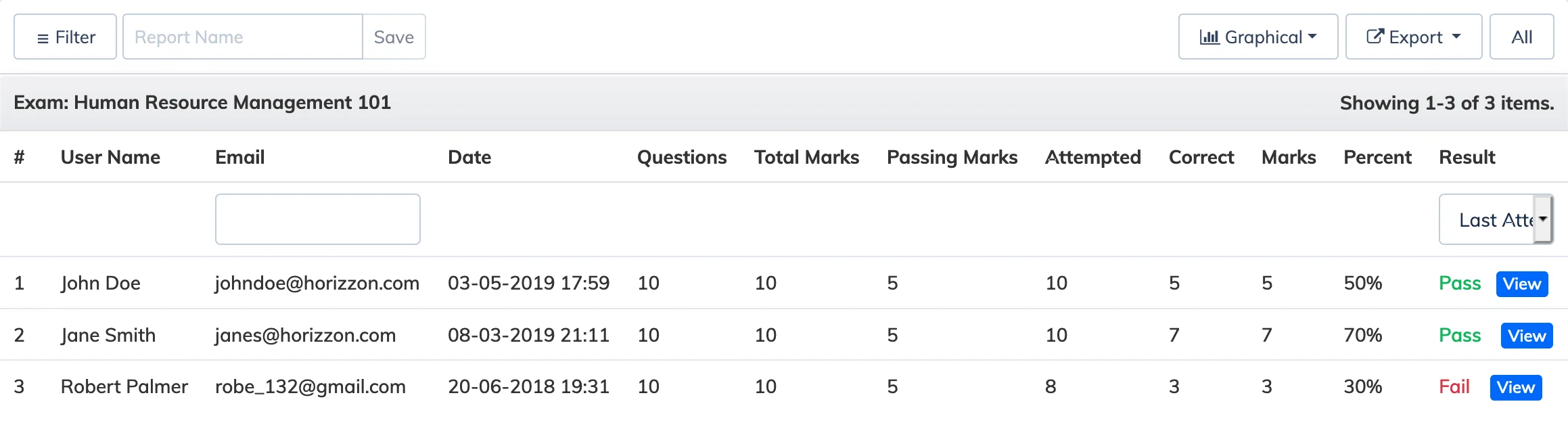
The Course Exam Report shows learner scores and attempt details for exams within a course. By default it displays each learner’s most recent attempt.
Steps
- Go to Reports → Course.
- In the Course dropdown, select the relevant course.
- In the Report dropdown, select Exam.
- Apply any Advanced Filters and Period as needed.
- Select the display type – Tabular or Graphical – and click Submit.
- To view all attempts across all exams (not just the last attempt), click All Exam at the top.