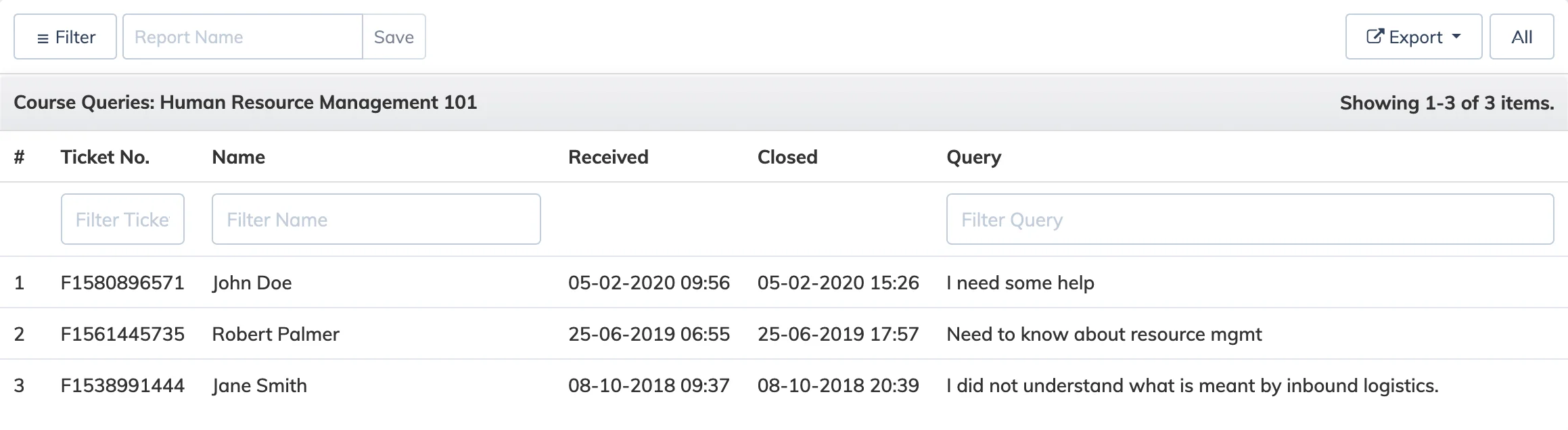
The Course Queries Report lists all questions submitted by learners for a course, each tracked with a unique ticket number and status. You can respond to queries directly from this report.
View and Respond to Queries
- Go to Reports → Course.
- In the Course dropdown, select the relevant course.
- In the Report dropdown, select Queries.
- Apply any Advanced Filters and Period as needed, then click Submit.
- Click on an open query to view it, enter your response, and click Submit.
Mobile notifications: Learners using the AlphaLearn mobile app receive a push notification when their query has been resolved.