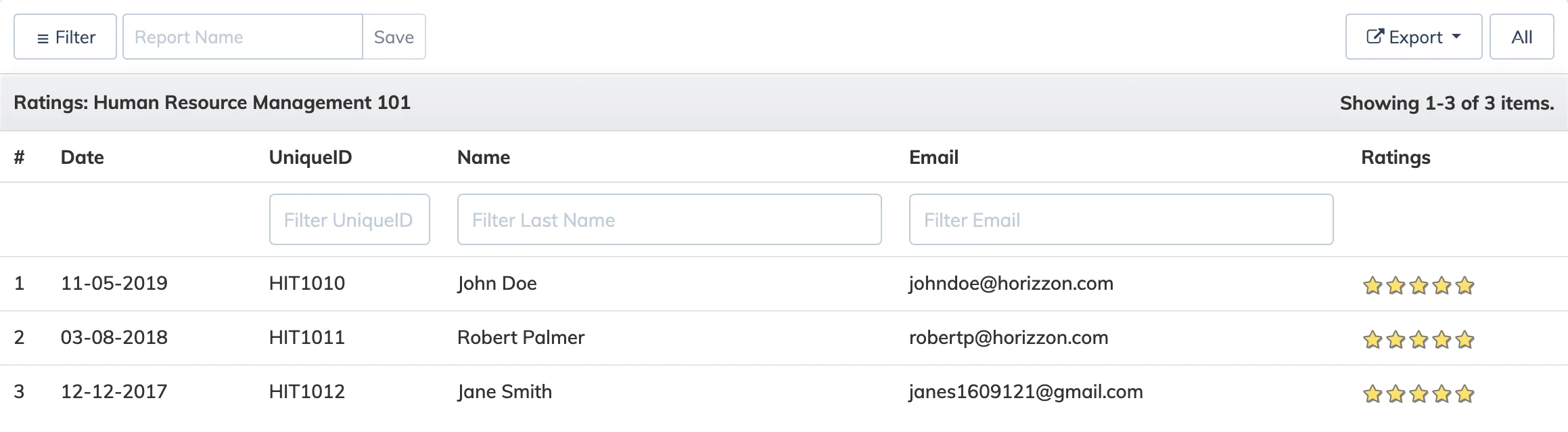
The Course Ratings Report shows the ratings submitted by learners for a course, helping you gauge learner satisfaction and identify courses that may need improvement.
Steps
- Go to Reports → Course.
- In the Course dropdown, select the relevant course.
- In the Report dropdown, select Rating.
- Apply any Advanced Filters and Period as needed.
- Select the display type – Tabular or Graphical – and click Submit.