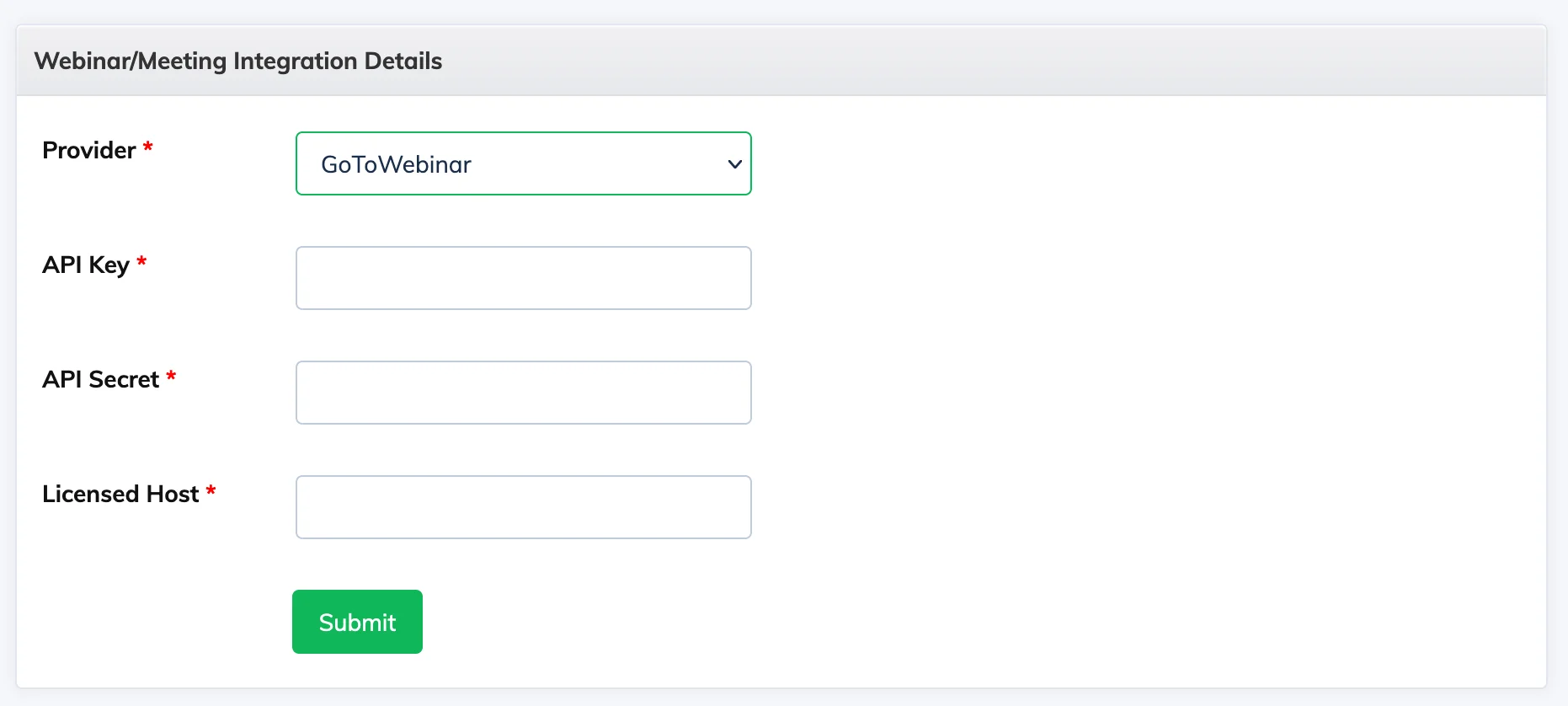
Integrating with GoToWebinar allows you to create and manage GoToWebinar sessions directly from AlphaLearn LMS. You will need an active GoToWebinar subscription and your API credentials.
Step 1: Get Your GoToWebinar API Credentials
- Log in to developer.goto.com using your GoToWebinar credentials.
- Go to OAuth Clients from the menu. If you have not created a client yet, click Create a Client.
- On the Details page, enter a client name, an optional description, and at least one Redirect URI. Click Next.
- On the Scopes page, select the products and functions you need, then click Save.
- Your Client ID and Client Secret are now displayed. Copy both – the client secret is shown only once and cannot be retrieved again.
Step 2: Connect in AlphaLearn
- Go to Integrations → Webinars / Meetings → + Webinar/Meeting Integration.
- Select GoToWebinar as the provider.
- Enter your API Key, Secret, and Host details, then save.
You can now create and manage GoToWebinar sessions from within AlphaLearn.