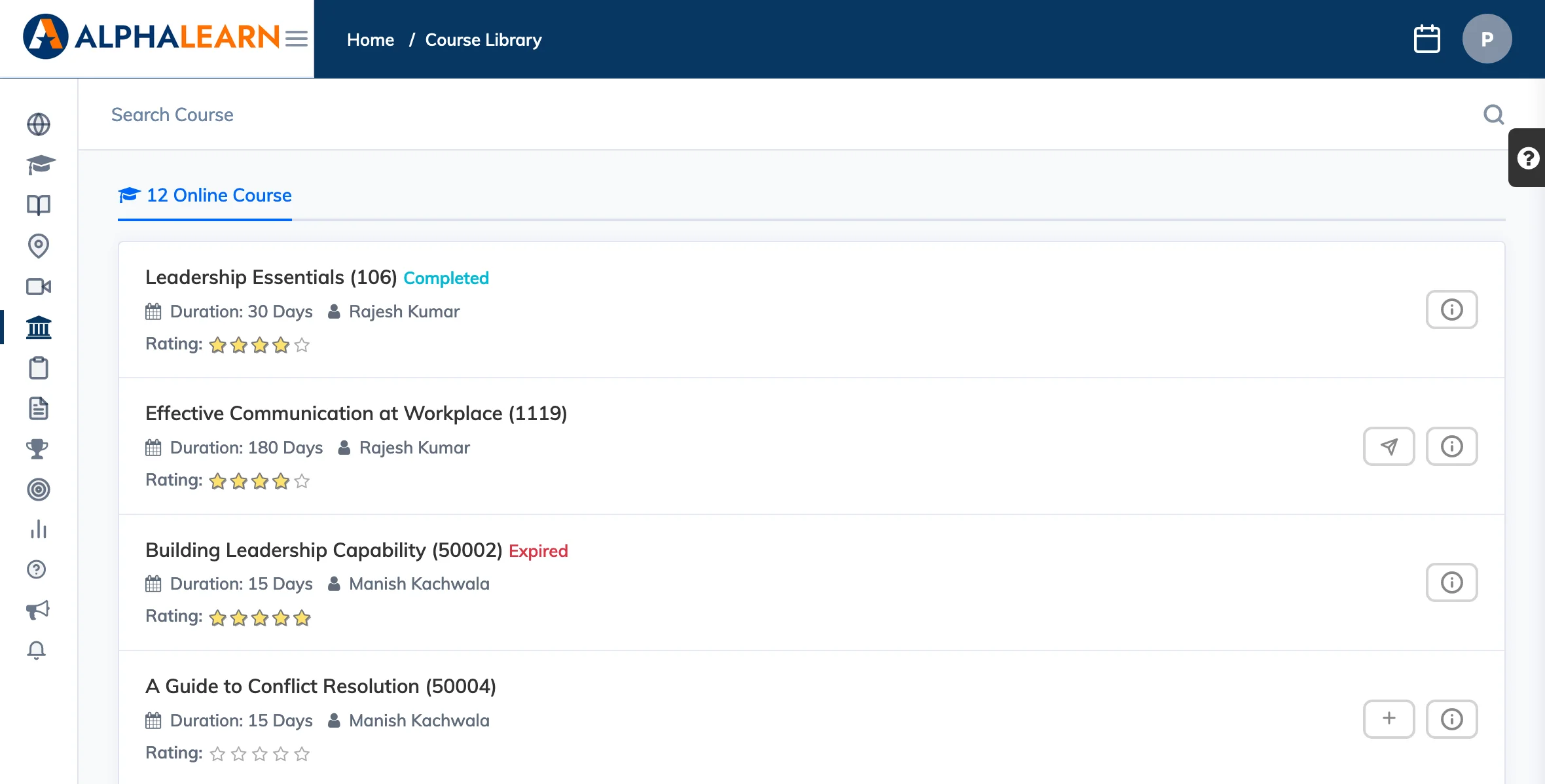
The Course Library shows optional courses made available by your organisation that you can browse and enroll in at your own pace.
Note: This feature is only available if enabled by your administrator.
Browse and Enroll
- Click Course Library in the navigation bar.
- Browse the available courses. Use the Filter button to narrow courses by tag if filters are available.
- To enroll, click the + icon to self-enroll instantly, or the send icon to request enrollment – depending on how the course is configured.