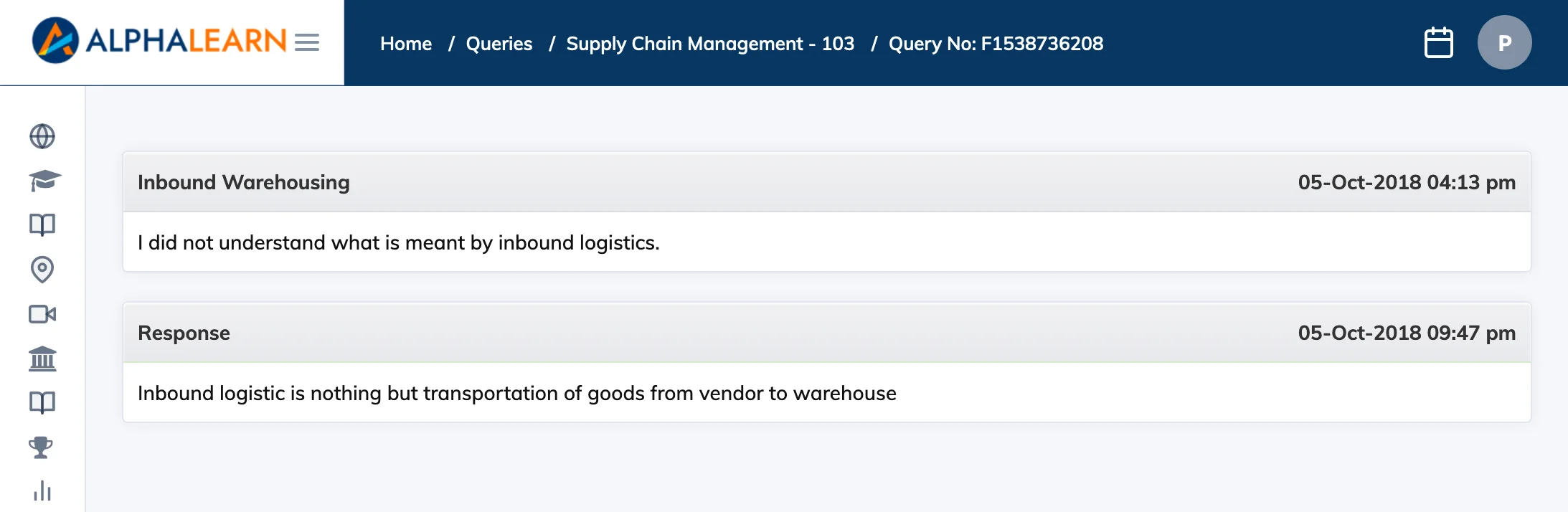
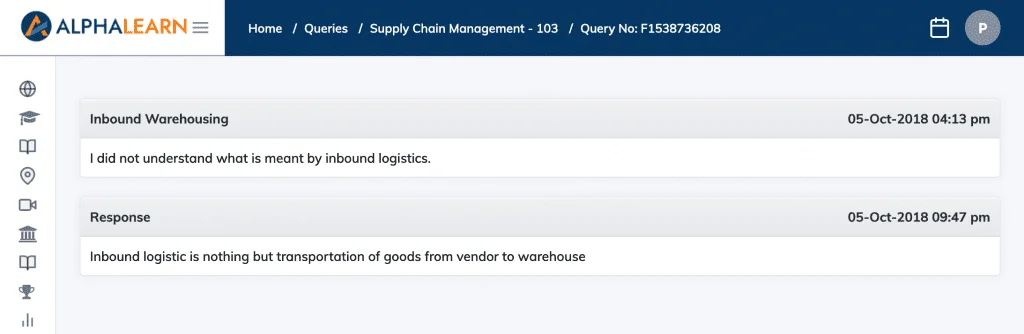
The Queries feature lets you raise questions about a course directly within the LMS. Each query is tracked with a unique number and you are notified by email when a response is added.
Note: This feature is only available if enabled by your administrator.
Raise a Query
- Click Queries in the navigation bar to see a list of your courses.
- Click the + icon in the Action column next to the relevant course.
- Fill in the details and click Create. Your query is assigned a unique query number.
View the Response
- You will receive an email notification when your query has been responded to.
- Go to Queries, click the eye icon next to the relevant course, then click on the query to read the response.