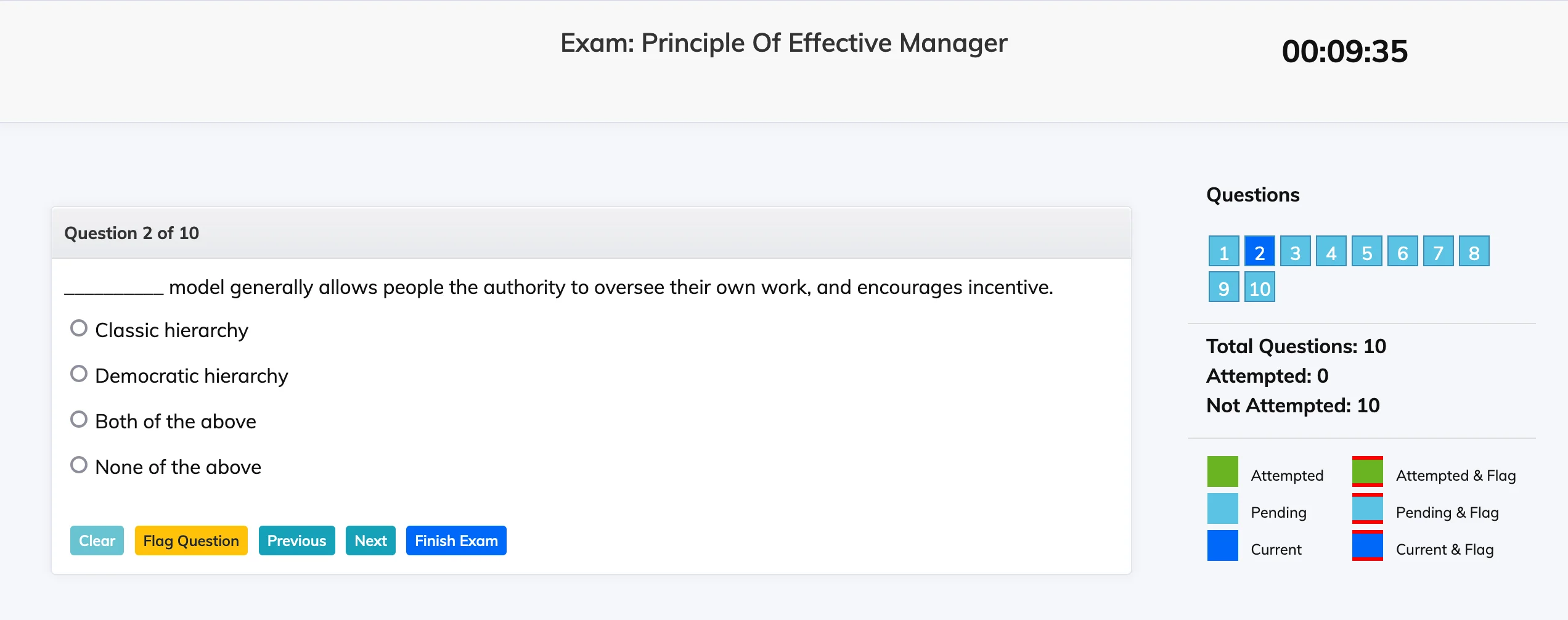
When you become eligible for an exam, you will receive an email notification and a pop-up reminder on your dashboard.
Start an Exam
- Click Exams in the navigation bar. Your last attempted exam, if any, is shown at the top.
- Click Start Exam in the Action column next to the relevant exam. This button is only visible when you are eligible.
- Read the exam instructions carefully, check I have read the instructions and agree to abide by them, and begin.