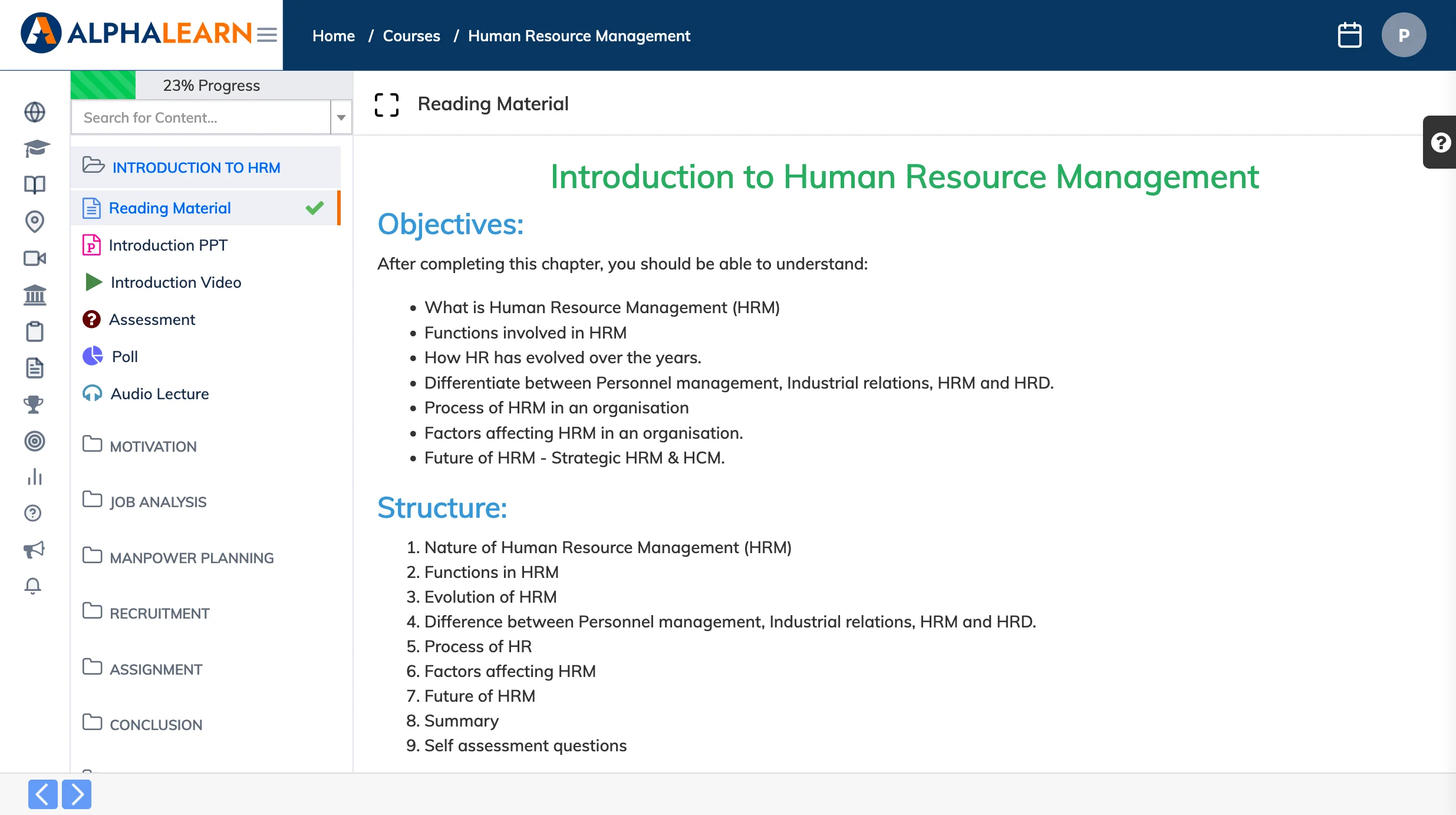
Your enrolled courses are accessible from the Courses section. Click into any course to view its content and pick up where you left off.
Steps
- Click Courses in the navigation bar to see your enrolled courses.
- Click the View Course icon on the relevant course.
- Review the course description and click Continue to start or resume your course material.