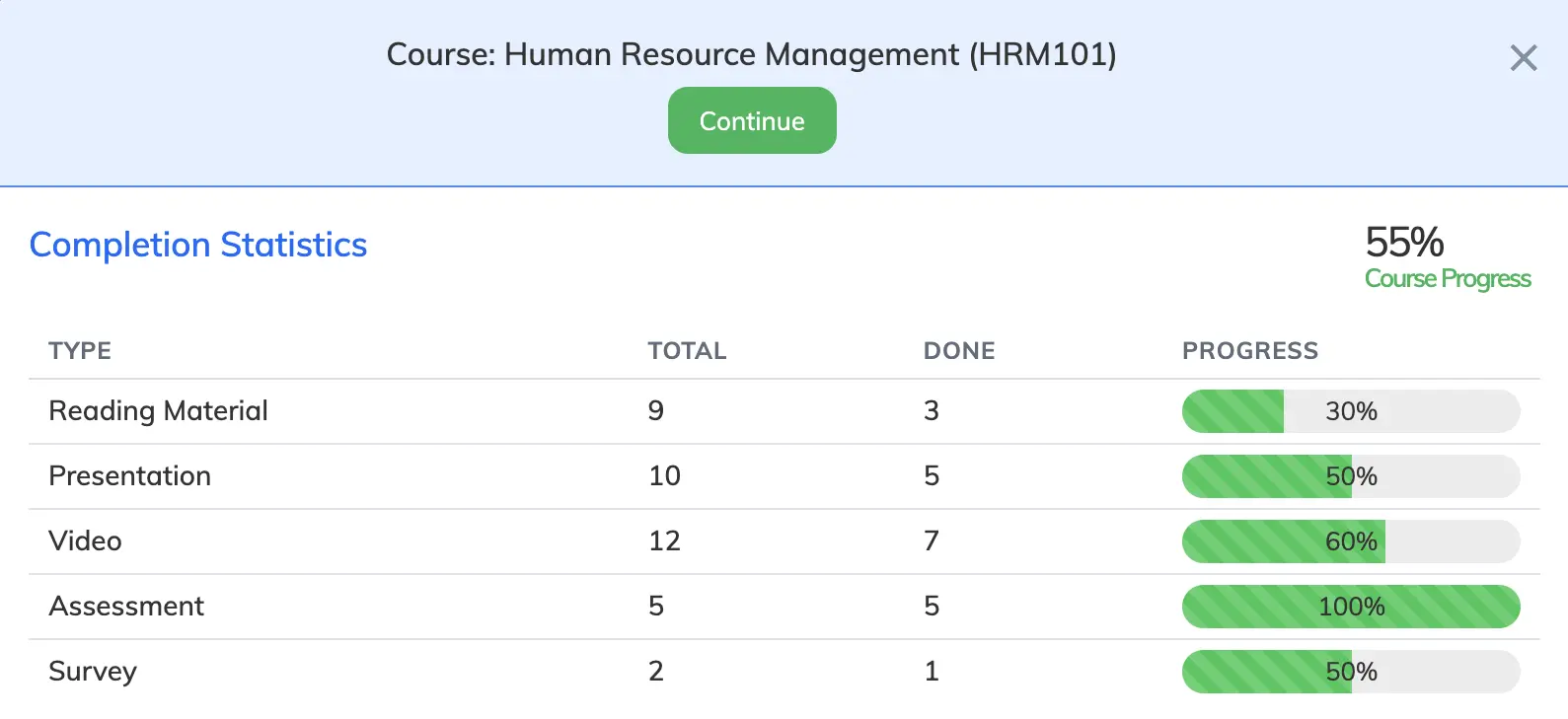
The Courses section shows all the courses you are currently enrolled in, along with your progress and enrollment status for each.
View Your Courses
- Click Courses in the navigation bar.
- Each course shows your progress, start and end date, and enrollment status.
- Click the View Course icon to open the course material.
Enrollment Status
- Ongoing – course is in progress and within the enrollment period.
- Expired – the course end date has passed.
- Completed – you have finished the course.