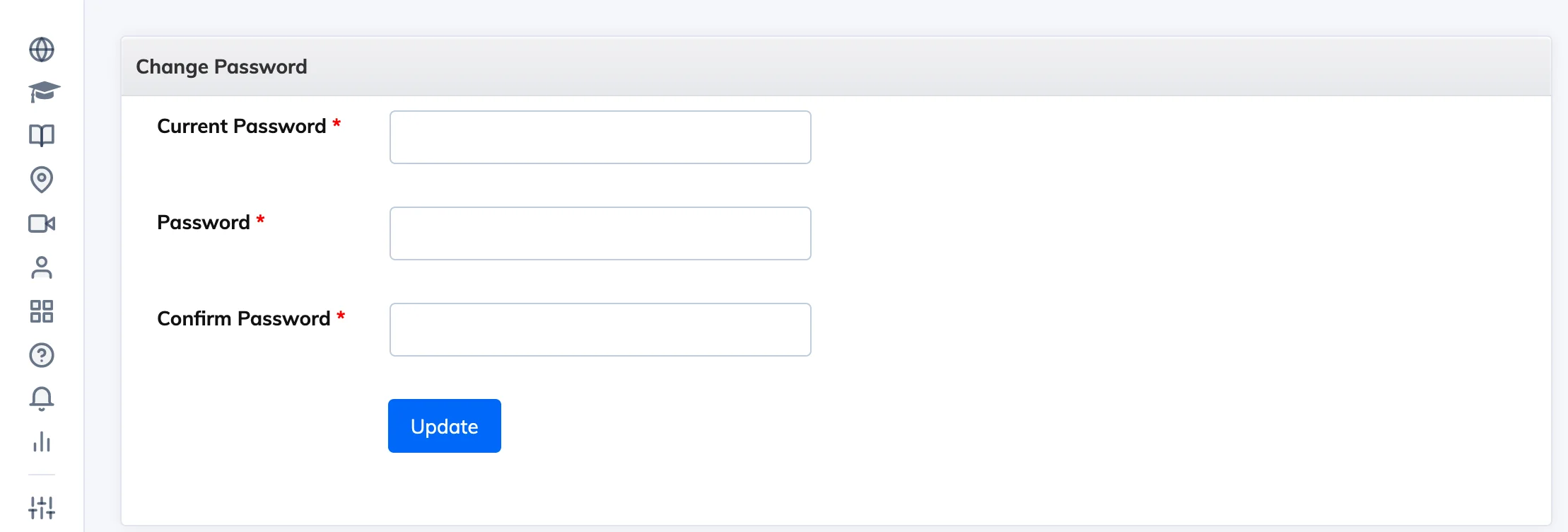
You can change your LMS password at any time from your account menu.
Steps
- Click your initials in the top right corner and select Change Password.
- Enter your current password, then your new password, and confirm it.
- Click Submit.
Password requirements: The minimum length and complexity rules are set by your organisation’s administrator.