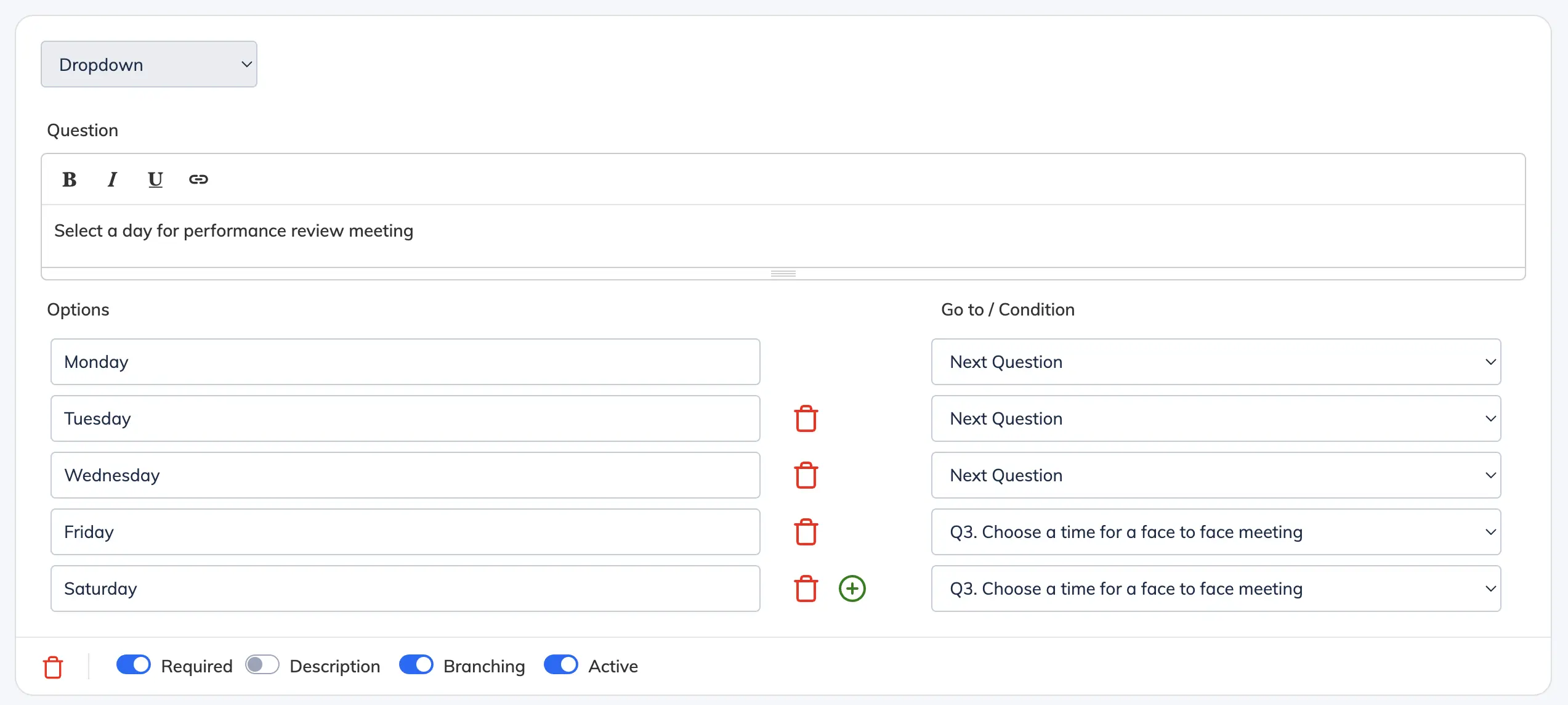
Branching (also known as conditional or skip logic) lets you show different questions based on how a Trainee answers a previous one – instead of presenting every question to every Trainee.
Before you begin: Add all questions to the form before setting up branching. Branching logic references existing questions – adding new ones after may require reconfiguring the conditions.
Steps
- Open the relevant form. See Create and Manage Forms if the form is not yet set up.
- Enable the branching feature for the question you want to add logic to.
- For each answer option, set the Go to / Condition to direct the Trainee to the appropriate next question based on their response.
- Click Submit to save.