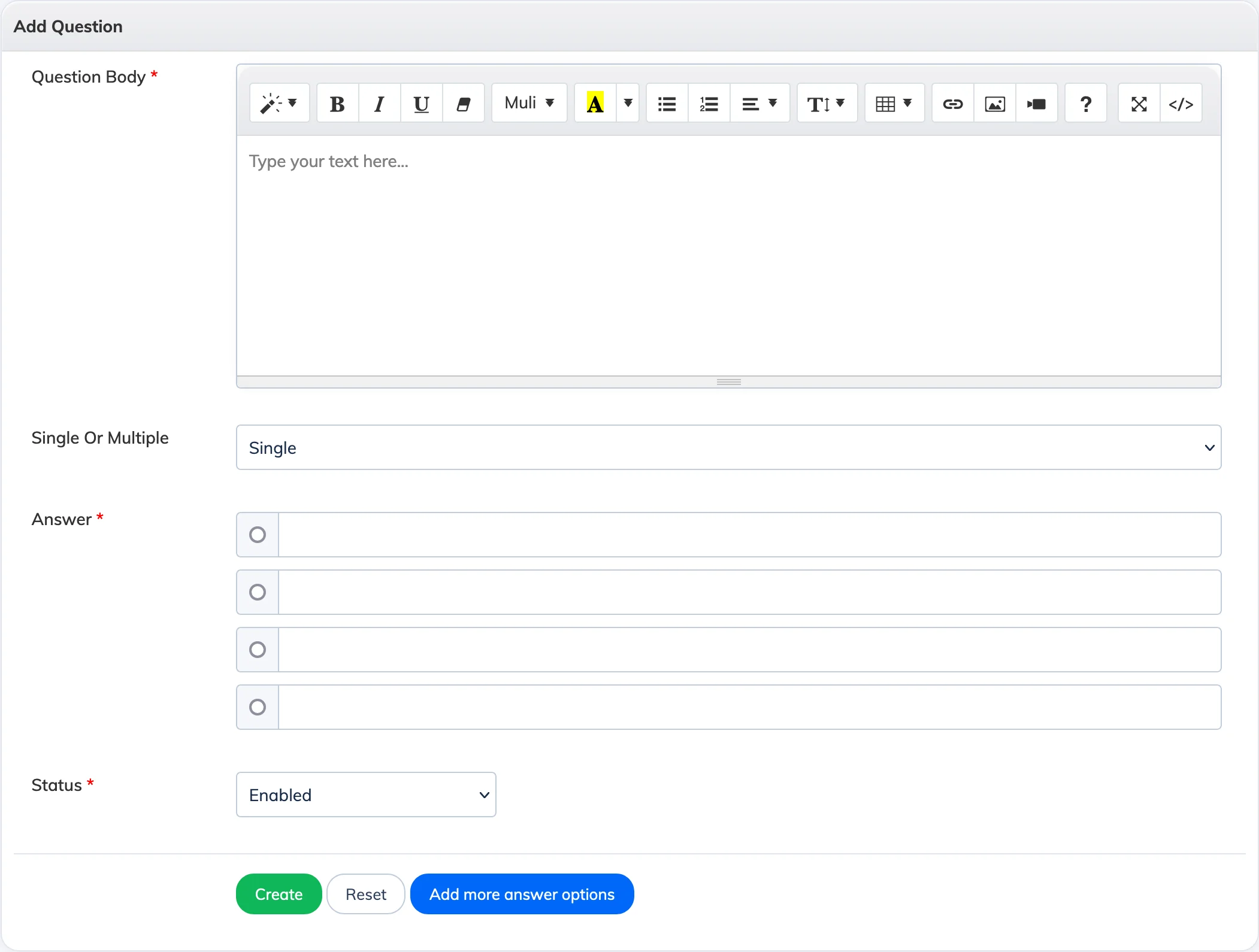
Questions can be added to an exam manually one at a time, or imported in bulk using an Excel file.
Steps
- Go to Evaluation → Exam and open the relevant exam.
- Scroll to the bottom and click Add Questions.
- Add questions manually or click Import to bulk upload using an Excel file.
- You can insert an image into any question if needed.
- Once all questions are added, go back to the exam, click Edit, and change the exam status to Enabled.
Tip: For MCQ questions, you can configure whether Trainees are allowed to select more than one answer. You can also import questions directly from the Question Bank.